
Real-time process monitoring in SAP Build Process Automation: built in, often overlooked
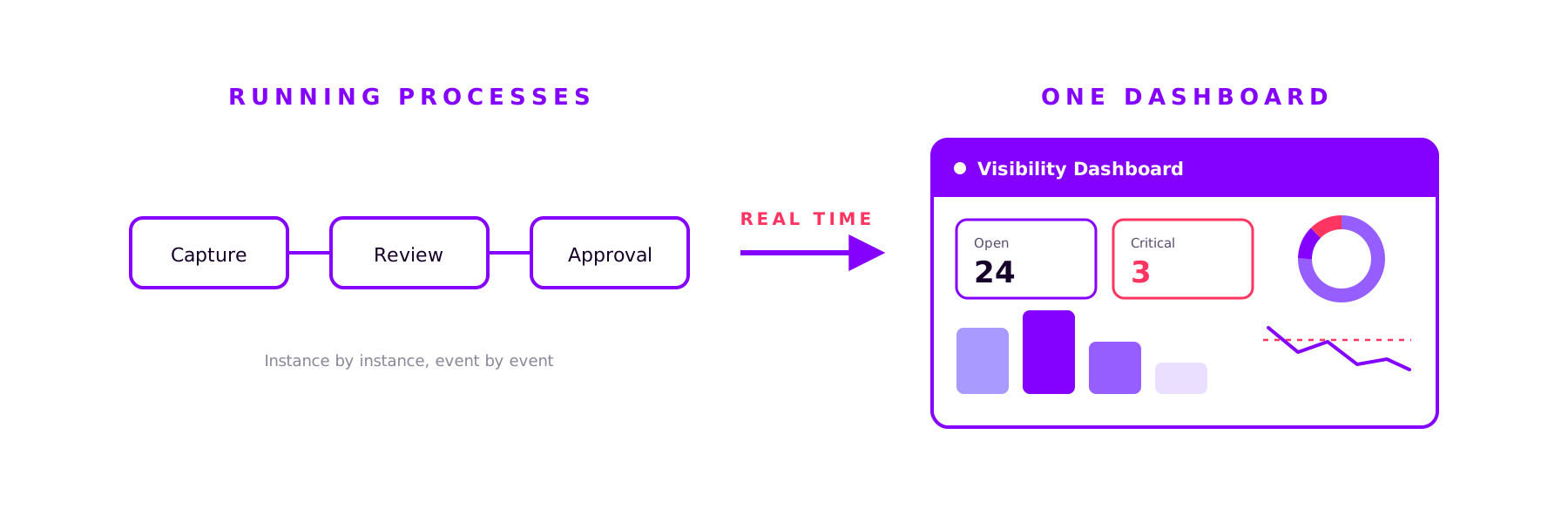
Your processes are running. But can you see how they are running? SAP Build Process Automation already ships with the tool for exactly this transparency: visibility scenarios, a configurable real-time dashboard right inside the platform. No extra tool, no separate license.

What visibility scenarios are
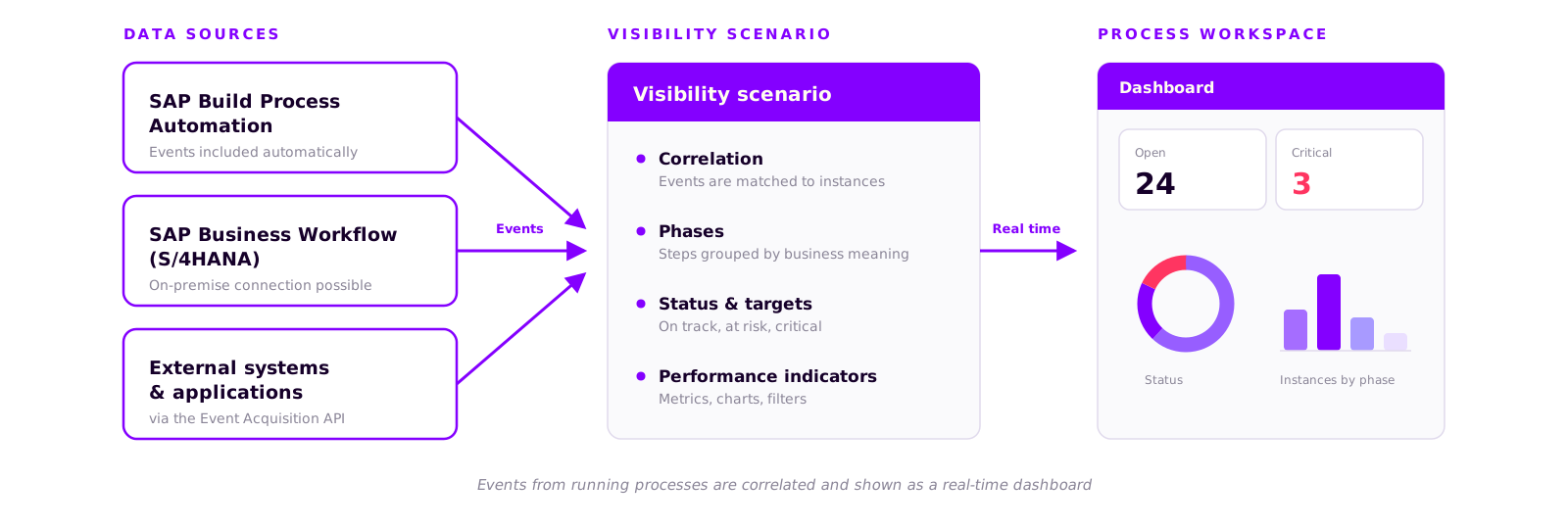
A visibility scenario is the monitoring layer on top of your processes. It collects the events from running process instances, correlates them, and presents them in a dashboard: the Process Workspace.
The principle is event-based. Every process automatically emits events: instance started, step completed, instance finished. These events flow into the scenario, which turns them into a real-time picture of your process health. And because the connection is not limited to SAP Build Process Automation, the Event Acquisition API also lets you plug in classic SAP Business Workflows or external systems.
What a visibility scenario is made of
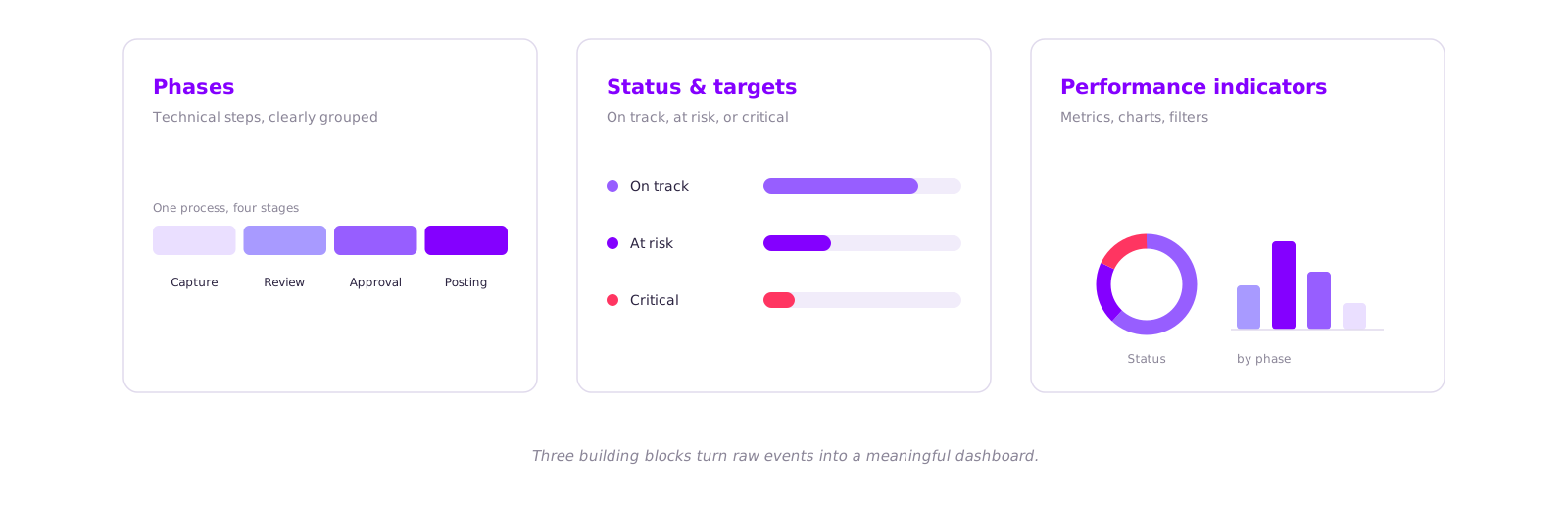
To turn raw events into a meaningful dashboard, a visibility scenario combines three building blocks.
Phases condense many technical steps into a few sections everyone understands. A dozen individual steps become capture, review, approval, and posting: the language your business users actually speak.
Status and targets show whether an instance is on plan. You define a target cycle time, and the system classifies every case automatically: on track, at risk, or critical.
Performance indicators put the numbers on screen, as tiles, donut or bar charts, with filters by plant, region, or amount.
Why this works so well for monitoring
Process monitoring rarely fails because of technology. It fails because it gets built after the fact: first the process, then at some point a report with weeks of lead time. In the meantime, someone answers the status question by asking around. Visibility scenarios turn that around.
Real time instead of yesterday's report. The dashboard is built on events, not on nightly data extracts. If an approval is stuck, you see it now, not tomorrow morning.
Built for business users. The dashboard is aimed at process owners, not administrators. No transaction codes, no log files.
Actions straight from the dashboard. Configurable actions let you trigger workflows, for example an escalation for all critical instances. Monitoring becomes steering.
The click that makes the difference
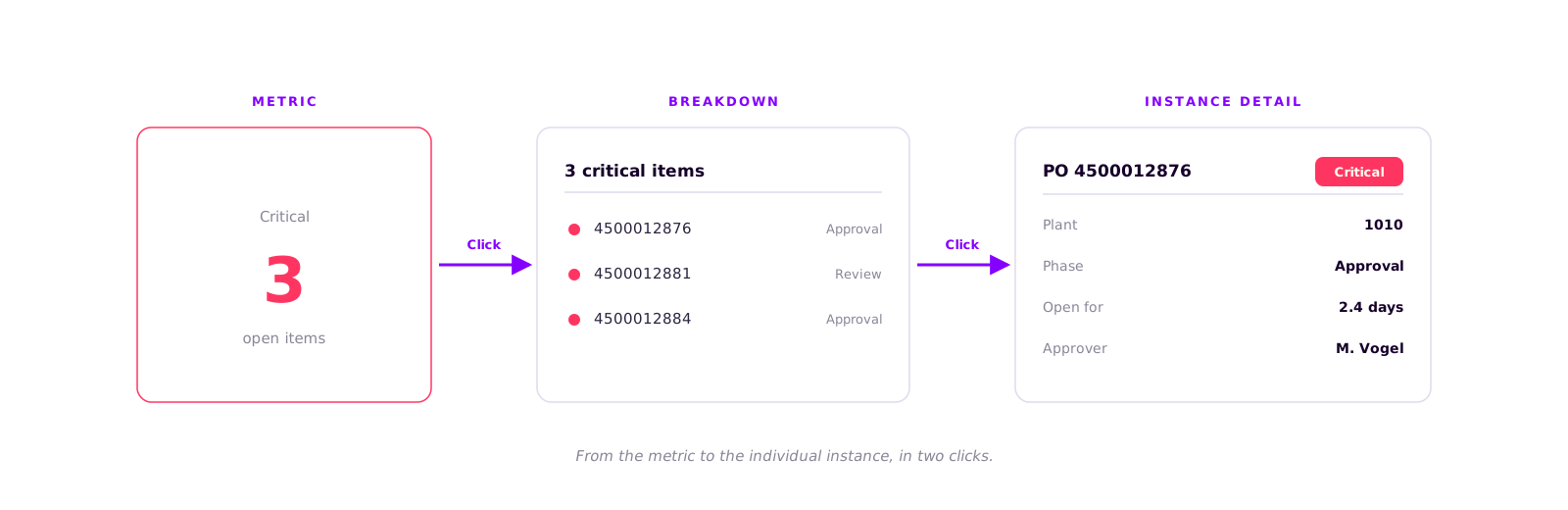
The real difference to a classic report is in the detail. You do not just see that eleven cases are sitting in review. You click on the metric and see which eleven. You click again and land on the individual purchase order: how long it has been open, in which phase, with whom. From the aggregated number to the actionable instance, it is two clicks.
The point that wins the budget discussion
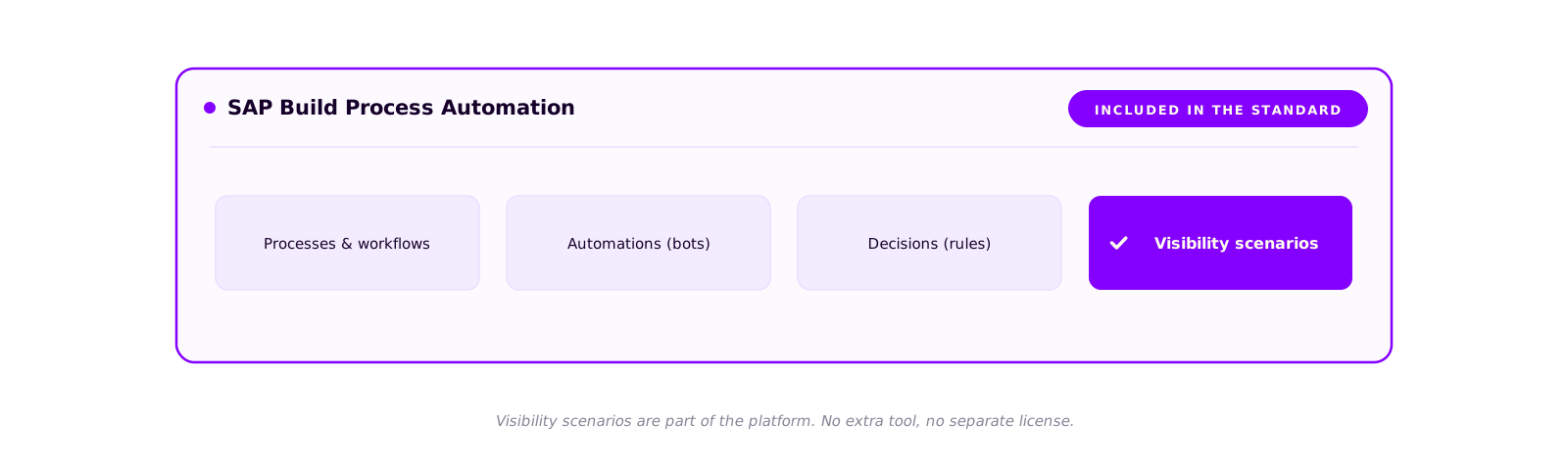
Visibility scenarios are part of SAP Build Process Automation. If you run the platform, you have already licensed this tool. There is no additional BI system, no extra contract, no new procurement.
In practice, that is often the strongest argument. A separate monitoring tool means license costs, an integration project, and weeks until the first dashboard. Visibility scenarios sit in the standard and can be set up for an existing process in hours. You are tapping into something you already own.
An honest assessment
Visibility scenarios are not process mining. If you want to analyze process variants over years or uncover large-scale deviations between target and actual, tools like SAP Signavio are the right choice. Visibility scenarios answer a different, very operational question: what is happening in my processes right now, and where do I need to step in? For day-to-day operations, that is usually exactly the question that counts.
The complete guide to take away
Setting this up is manageable. For an existing process, we are talking hours, not weeks. How it works in detail, from preparing the process to phases, target times, and the finished dashboard, is what we have condensed into a step-by-step guide.
Book a call
Prefer to get started right away?
We set up visibility scenarios in customer projects regularly and will show you, using one of your own processes, what can be done in a day.
- 30 minutes
- video call
- no obligation
Keep reading
More on SAP Consulting
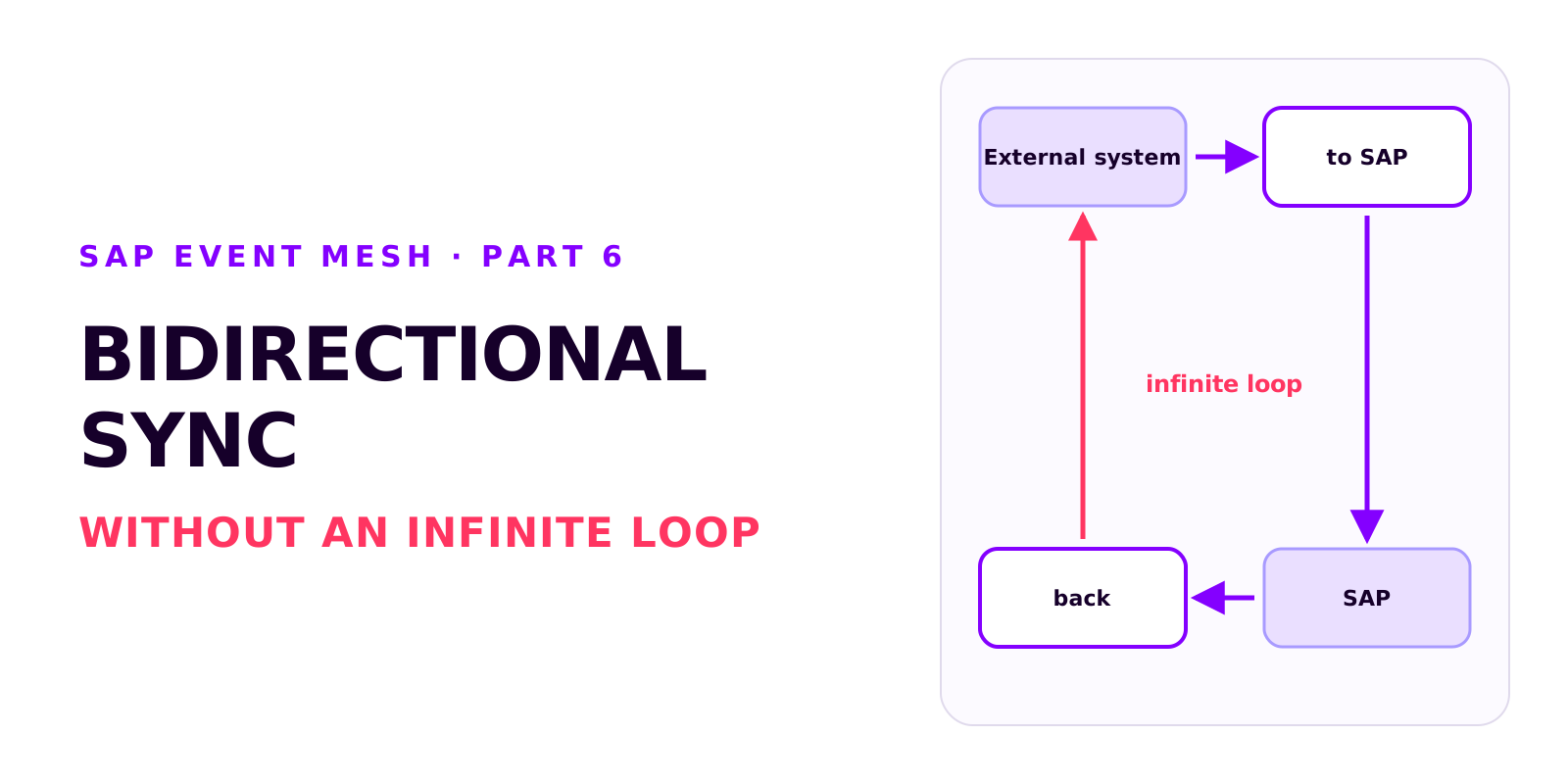
Bidirectional sync between SAP and an external system without an infinite loop
Two integrations that each work on their own can produce an infinite loop together. How it arises, how each side recognises its own writes, which field ties the records together, and why create and update mappings drift apart.
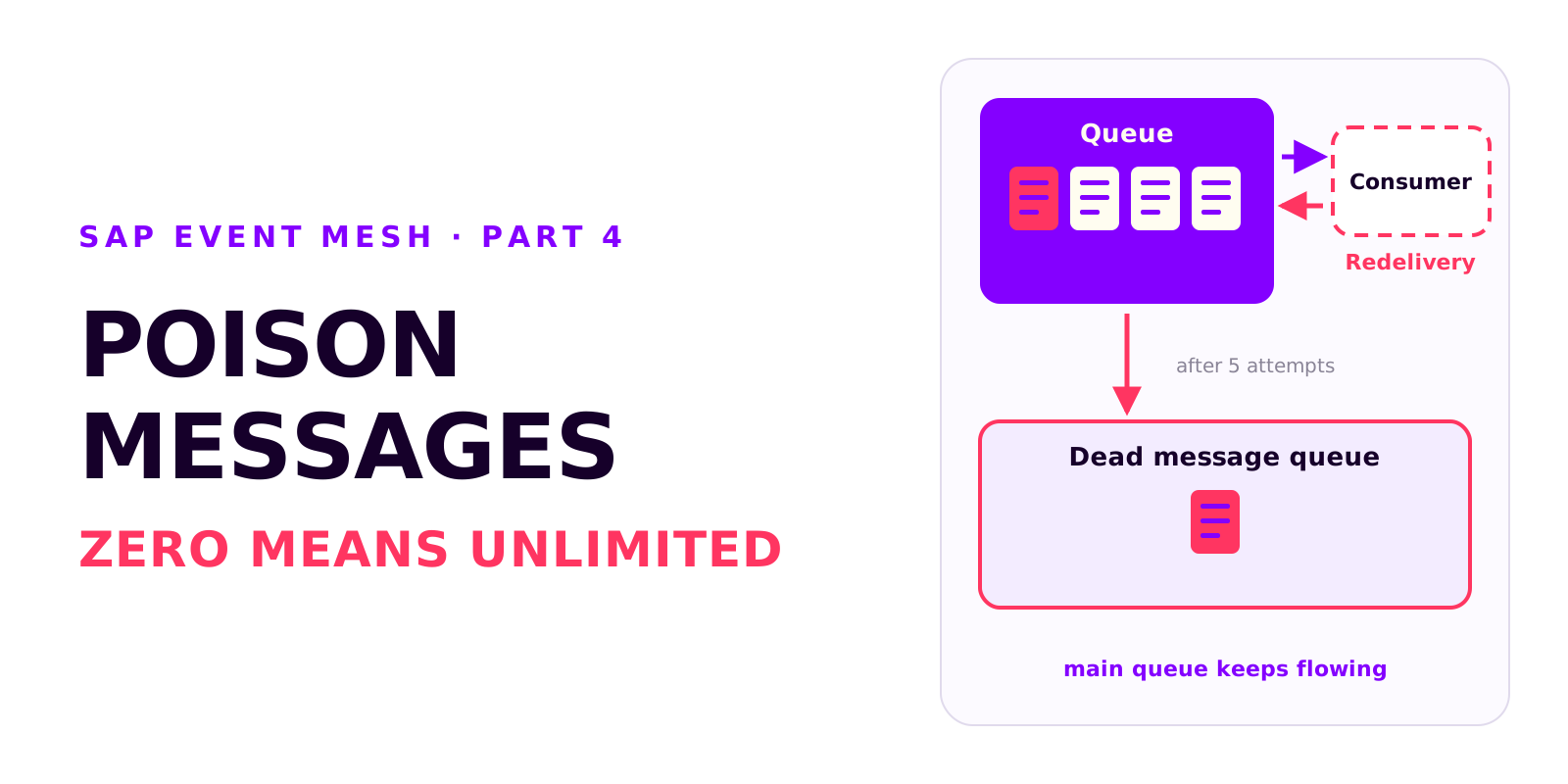
Poison messages, redelivery and the dead message queue in SAP Event Mesh
A message that can't be processed is redelivered without limit and blocks the queue. Why messages fail, how redelivery and the dead message queue work together, and which settings every productive queue needs.
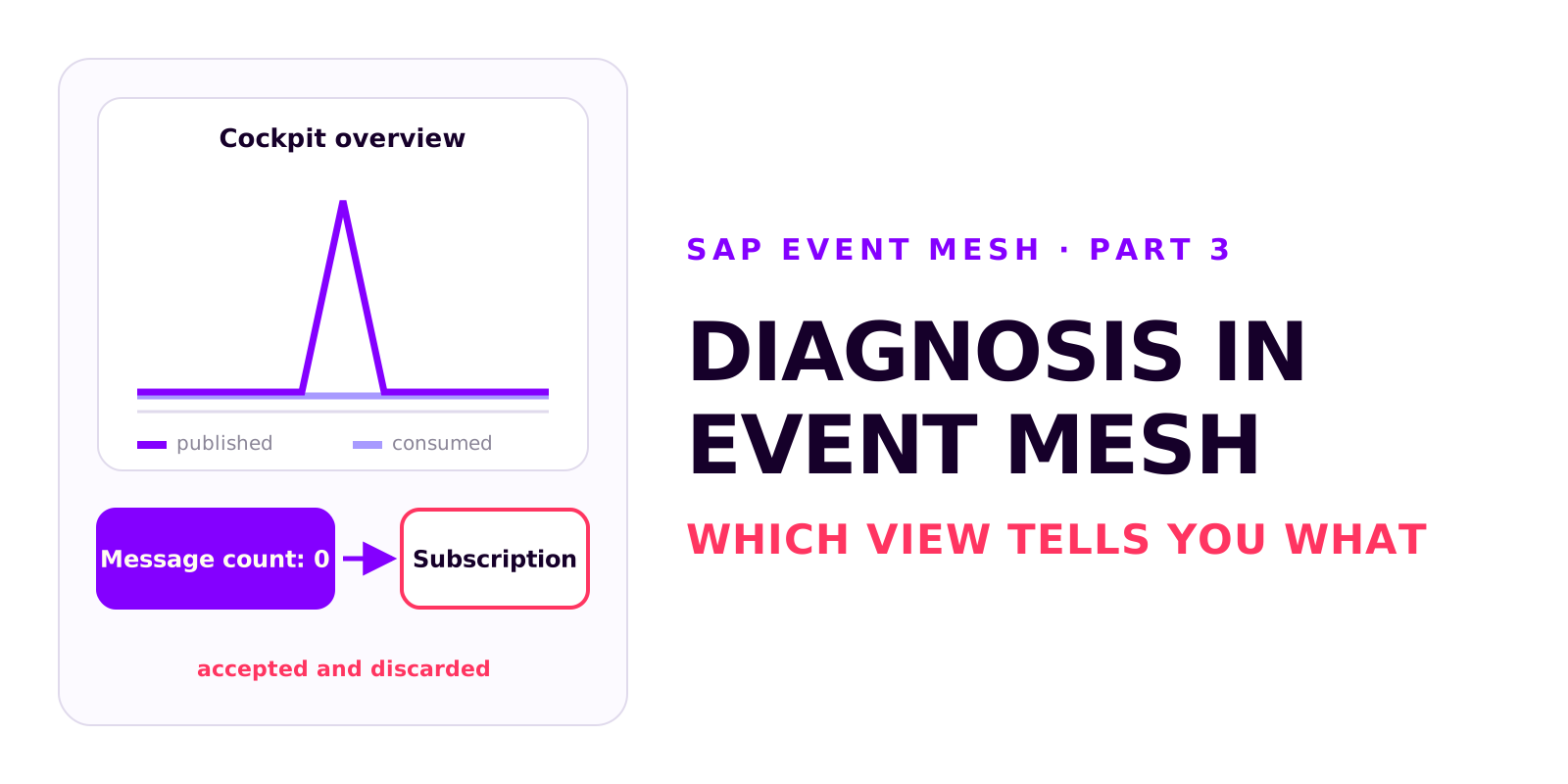
Diagnosis in SAP Event Mesh: which view tells you what
A decoupled integration has no end-to-end error message. Which four views in Event Mesh and Integration Suite tell you what, how to test without a source system, and how comparing the counters tells you where to look.