
Bidirectional sync between SAP and an external system without an infinite loop
Two integrations that each work on their own can produce an infinite loop together. How it arises, how each side recognises its own writes, which field ties the records together, and why create and update mappings drift apart.

Two integrations that each work perfectly on their own can produce an infinite loop together: each side reports a change, and each change is the reaction to the previous one. This article explains how the loop arises, which two mechanisms break it, which field ties the records in both systems together, and why create and update mappings tend to drift apart.
How the loop arises
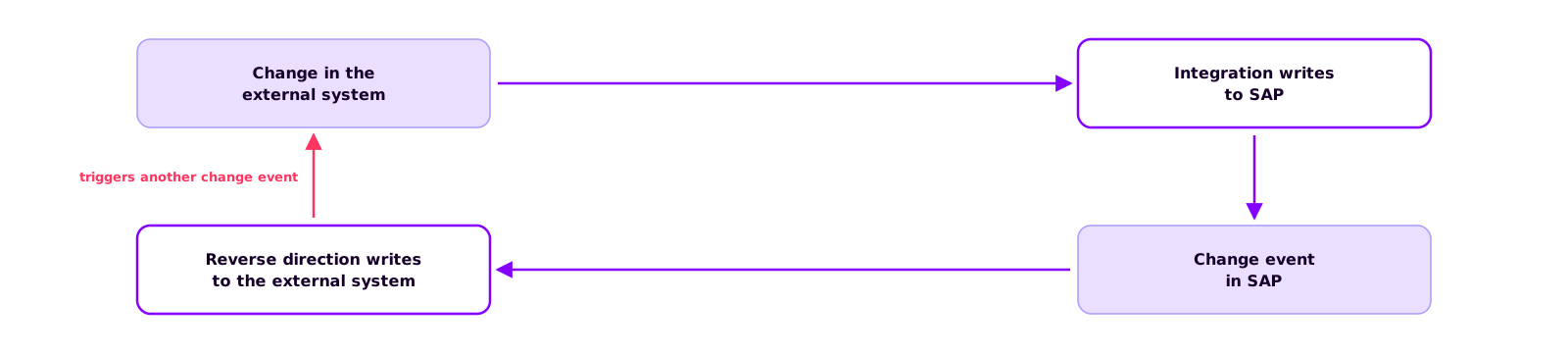
A record changes in the external system. The integration writes the change to SAP. The return sync picks up the change event from SAP, or finds the change on its next poll, and writes it back to the external system. That write triggers another change event there, and the sequence starts over.
None of the four steps is doing anything wrong. In most systems a write triggers a change event, and for a one-way integration that is exactly what you want. As soon as both sides write, it turns into a cycle that doesn't stop on its own.
Recognising your own writes
A time window that ignores anything arriving shortly after your own write works under light load and breaks as soon as a run takes longer than expected. Two mechanisms that rely on content rather than timing, and need no stored state, are more reliable.
On the SAP side: the last-changed-by user. Many SAP objects record which user last changed them; for the business partner the OData API exposes this as LastChangedByUser (API_BUSINESS_PARTNER in the SAP Business Accelerator Hub (opens in a new tab)). If the integration writes with a dedicated technical user, the return sync excludes that user and no longer sees its own writes. The one condition is that this user is reserved for the integration.
On the external system: compare before writing. External systems often have no such field. The integration then reads the record before writing, compares the fields it is about to write with what's already there, and only writes if something differs. A change that has come full circle carries exactly the values just written, finds no difference, and stops there. The cost is one extra read per record.

The field that ties the records together
For the return sync to know which record in the external system corresponds to which object in SAP, the SAP object needs a field that holds the external identifier. For the business partner that field is BusinessPartnerIDByExtSystem (API_BUSINESS_PARTNER (opens in a new tab)); other objects have their own, and where none exists you add a custom field.
The field does two jobs. It links the records, and it acts as a filter, because only objects with the field filled came from the external system and belong in the return sync. In a one-way integration it looks superfluous and often isn't filled in the mapping. We recommend filling it from the very first direction; if it is empty for existing records, they have to be maintained before you switch the return sync on.

Create and update mappings drift apart
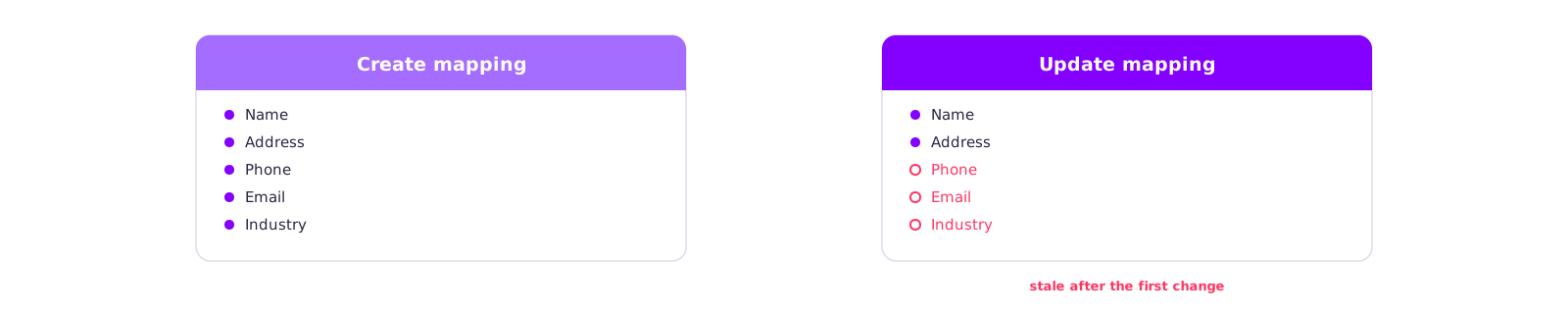
In many integrations, create and update cover different fields. The create mapping comes first and includes everything a new record needs; the update mapping is added later and covers only the fields that mattered at the time.
For a one-way integration that has no consequences. With bidirectional sync, every field that is written back in one direction but not updated in the other drifts a little further with each run, and because both mappings run without errors, no monitoring flags anything.
We recommend keeping a list of the fields that are meant to stay in sync and checking both mappings, in both directions, against that list. A field that isn't on the list isn't transferred in either direction.
Three questions before switching on the second direction
Bidirectional sync uses the same technology as one direction, plus three decisions:
- How does each side recognise its own writes? A technical user and
LastChangedByUseron the SAP side, compare-before-write on the external system. - Which field links the records?
BusinessPartnerIDByExtSystemor its equivalent, filled from the start. - Which fields are meant to stay in sync? A list that both mappings are checked against.
If any of the three answers is missing, the sync will still start; the problem shows up later, with data that has already drifted. We recommend switching on the second direction only once all three answers are written down.
Keep reading
Related articles
SAP Event Mesh on BTP: requirements, cost and the most common mistakes
Björn OstermannTopic: SAP ConsultingSetting up Event Mesh takes a day. The work goes into entitlements, role collections and event processing. What the service does, what you need to run it and what it costs.
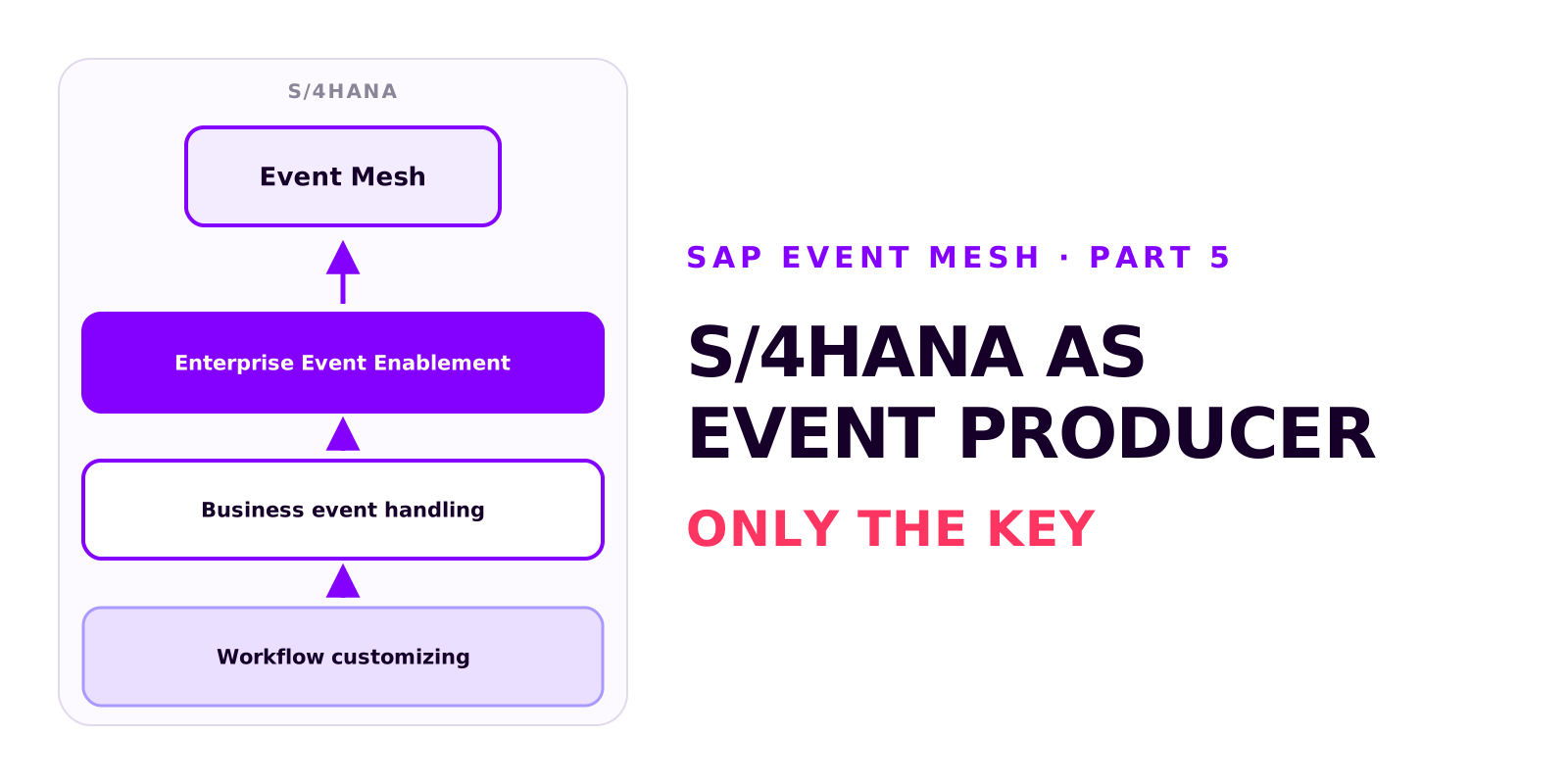
S/4HANA as an event producer: setting up Enterprise Event Enablement
Björn OstermannTopic: SAP ConsultingS/4HANA publishes events through Enterprise Event Enablement, with no custom development. Prerequisites and roles, the channel from the service key, outbound bindings, testing with a demo event and the Event Monitor, and why a business event carries only the key.
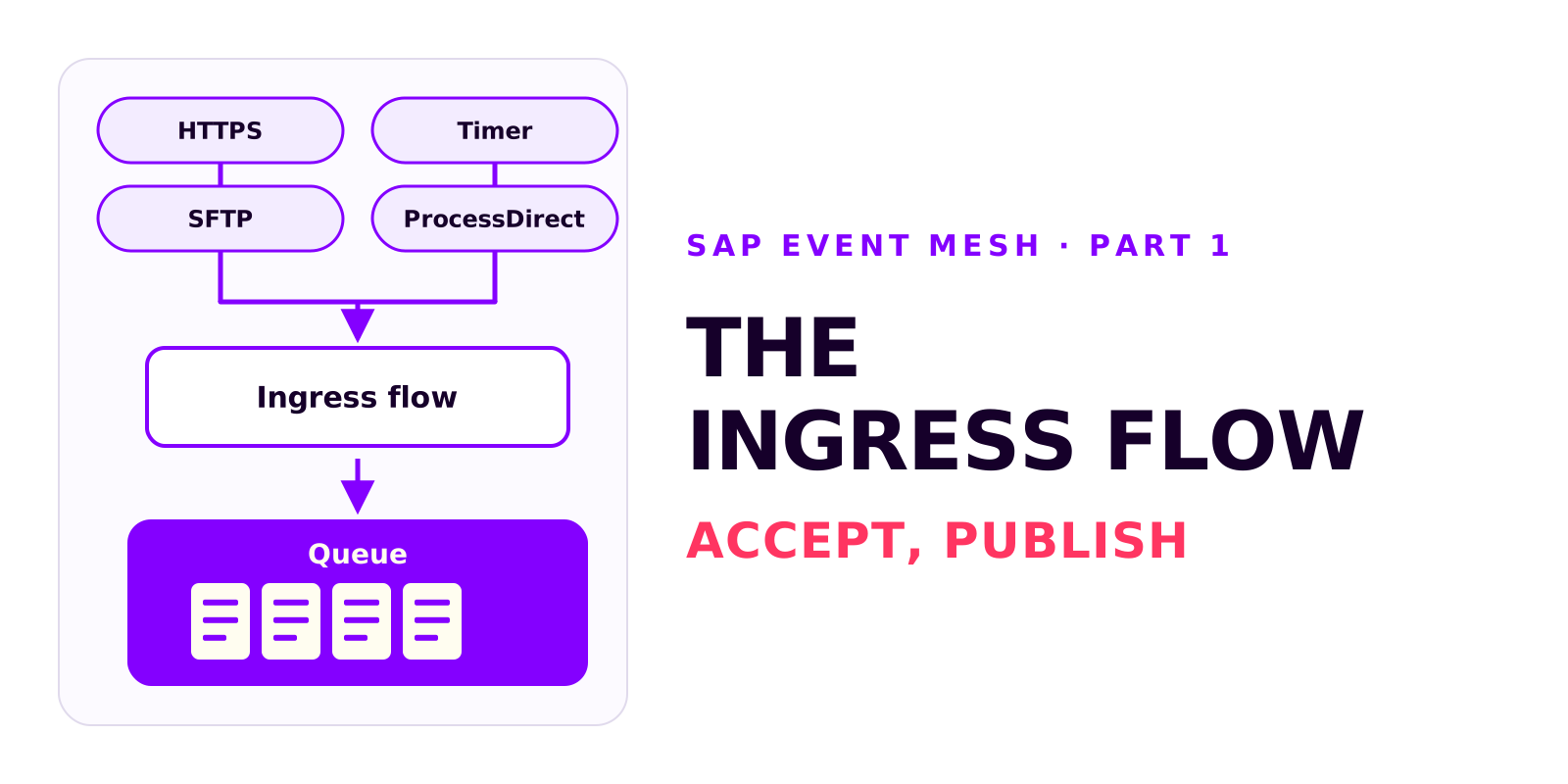
The ingress flow: from event to Event Mesh queue
Björn OstermannTopic: SAP ConsultingThe ingress flow accepts an event and publishes it, unchanged, to a queue. What it does, which sender adapter fits the source system, how to configure the AMQP receiver adapter and how to verify that events reach the queue.
Book a call
Planning a sync in both directions?
Talk to us. We can help with loop protection, the linking field and the field list before you switch on the second direction.
- 30 minutes
- no commitment