
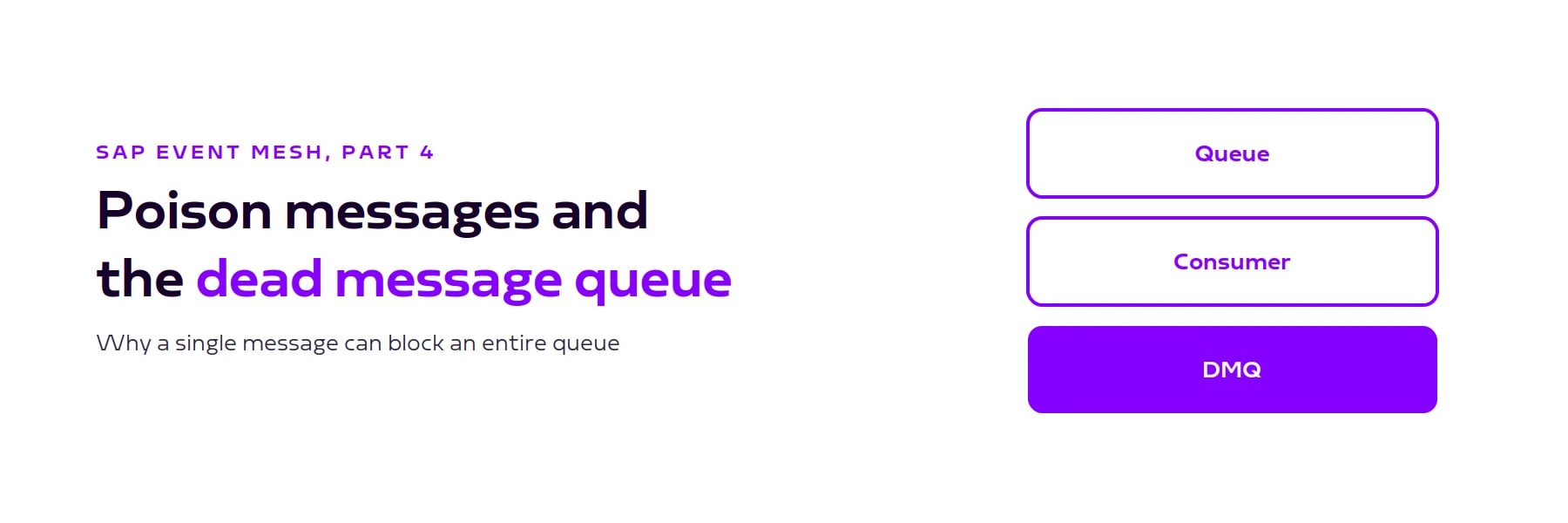
Poison messages, redelivery and the dead message queue in SAP Event Mesh
A message that can't be processed is redelivered without limit and blocks the queue. Why messages fail, how redelivery and the dead message queue work together, and which settings every productive queue needs.

A message the consumer can't process stays in the queue and is delivered again. Without an upper limit that goes on indefinitely, and every message behind it waits. This article explains why messages fail, how redelivery and the dead message queue work together in Event Mesh, and which settings every productive queue needs.
What a poison message is
A poison message is a message whose processing fails every time. The consumer picks it up, fails and doesn't acknowledge it, so Event Mesh delivers it again. That repeated delivery is the redelivery. As long as the cause persists, another attempt changes nothing, and the message blocks the queue.
With a dead message queue (DMQ) assigned, the repetition ends: after the configured number of delivery attempts, the message is moved to the DMQ, the main queue is free again and the messages behind it are processed. According to SAP, messages are moved to the DMQ when the number of delivery attempts exceeds the max redelivery count or their time to live has expired (SAP answer on max redelivery count and dead message queue (opens in a new tab)).

Why messages fail
Messages rarely fail because there is something wrong with the message itself. The usual causes:
- The target system rejects the record. A mandatory field is empty, a value is out of range, or another transaction holds a lock on the same object.
- The message doesn't match the expected format. The source system renamed a field or changed the structure.
- A referenced artifact is missing. A mapping, a value table or a certificate that the consumer flow references isn't deployed in the target package. When you copy a flow to another package, referenced artifacts don't come with it.
- The business object no longer exists. The record the message refers to has since been deleted or locked.
In all four cases the cause stays until someone fixes it. That is why the queue needs an upper limit on delivery attempts.
The default max redelivery count is unlimited
When you create a queue, the max redelivery count is 0 by default and no dead message queue is assigned (SAP answer (opens in a new tab)). A value of 0 doesn't mean "no retry"; it means "no limit". A poison message is redelivered indefinitely, the queue stays blocked, and in monitoring you see a consumer working non-stop while the message count never drops.
We recommend setting an explicit value for every productive queue. Five attempts are a good starting point: enough to ride out a brief disruption in the target system, and few enough that the queue isn't blocked for long.

Setting up the dead message queue
The dead message queue is an ordinary queue in the same namespace that you assign to the main queue. Setup takes four steps:
- Create a second queue in the same namespace, for example
acme/crm/prod/customer/created/dmq. - On the main queue, enter that queue as the dead message queue.
- On the main queue, set the max redelivery count, or enable Respect Time to Live and set a time to live. Without one of the two, no message is ever moved to the DMQ.
- On the DMQ, enable Respect Time to Live and set a time to live so it doesn't grow forever. Seven days is a reasonable starting point if someone checks the DMQ regularly.
A max redelivery count on the DMQ itself makes no sense, because the DMQ is inspected, not consumed. Event Mesh has no function for moving messages from the DMQ back into the main queue. You read them via Consume Messages, and once the cause is fixed, you resend them through the ingress flow or the REST API.

Someone has to read the dead message queue
The dead message queue doesn't prevent a fault; it contains it. Without one, a single message stops all processing. With one, processing continues, but the failed message hasn't been processed and Event Mesh won't tell you on its own. A dead message queue nobody checks is data loss on a delay.
We therefore recommend assigning a dead message queue to every productive queue and monitoring its message count, either by checking the cockpit regularly or by querying the Event Mesh REST API (opens in a new tab) and raising an alert when the count is above zero.
Keep reading
Related articles
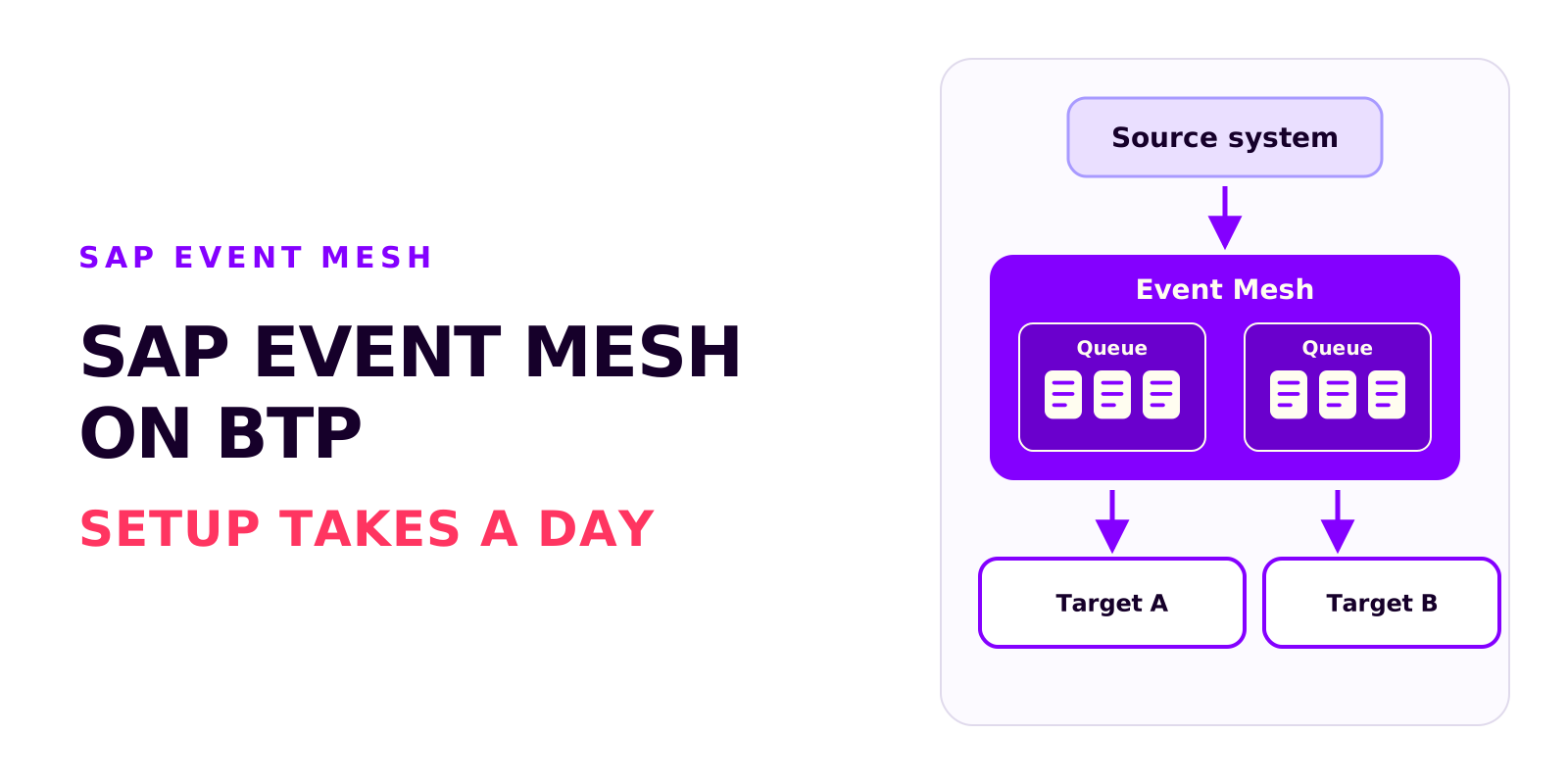
SAP Event Mesh on BTP: requirements, cost and the most common mistakes
Björn OstermannTopic: SAP ConsultingSetting up Event Mesh takes a day. The work goes into entitlements, role collections and event processing. What the service does, what you need to run it and what it costs.
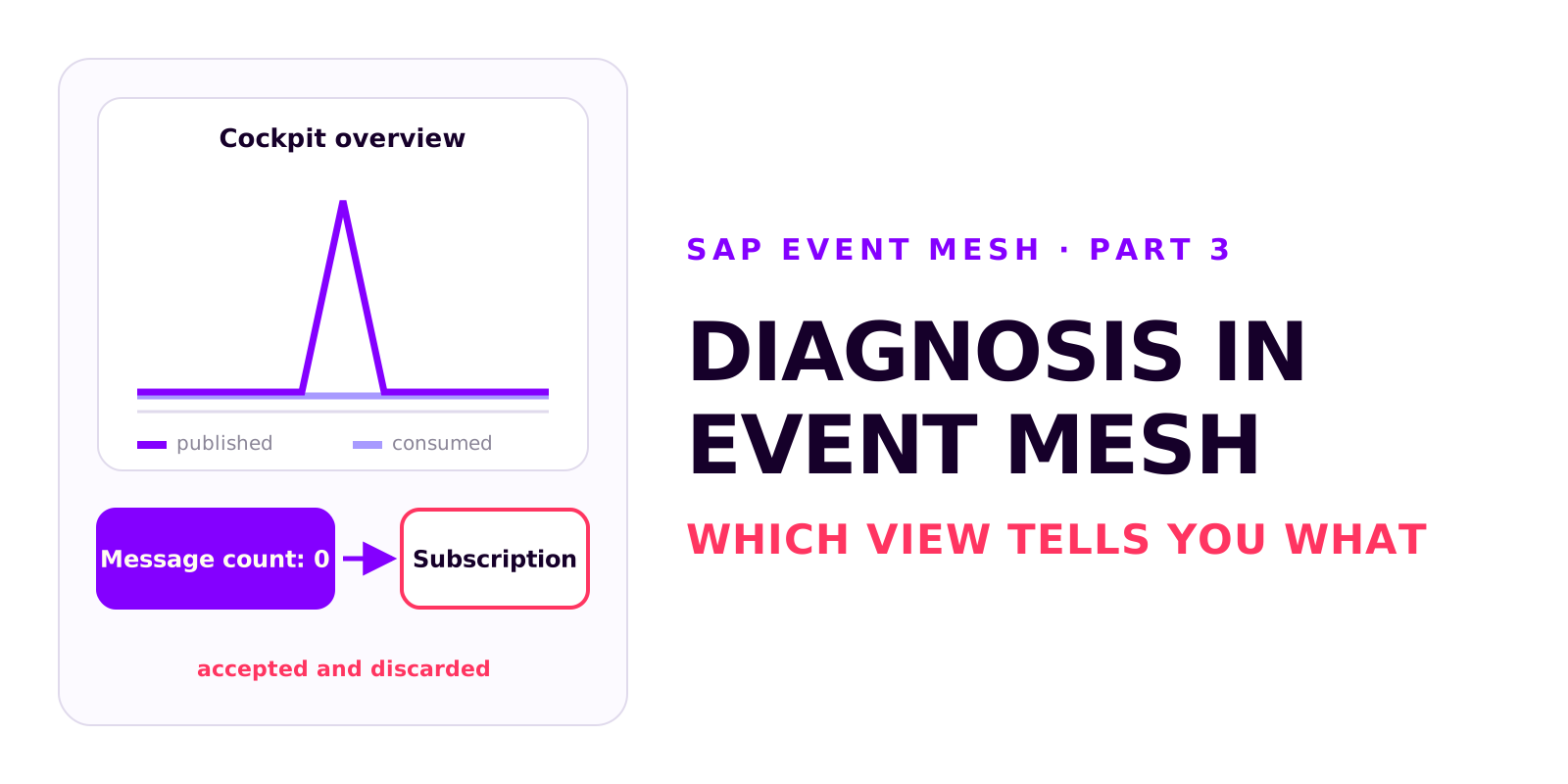
Diagnosis in SAP Event Mesh: which view tells you what
Björn OstermannTopic: SAP ConsultingA decoupled integration has no end-to-end error message. Which four views in Event Mesh and Integration Suite tell you what, how to test without a source system, and how comparing the counters tells you where to look.
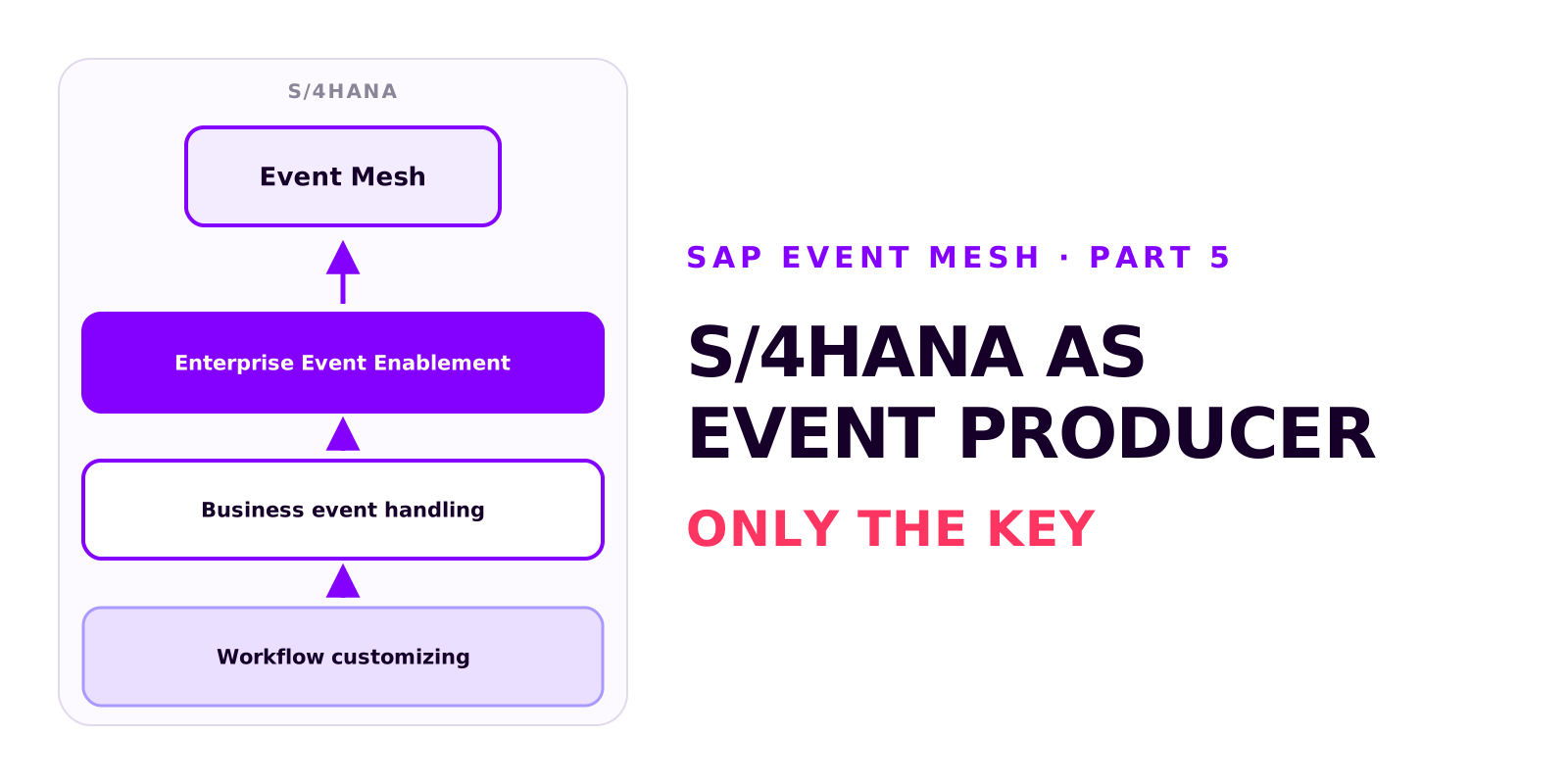
S/4HANA as an event producer: setting up Enterprise Event Enablement
Björn OstermannTopic: SAP ConsultingS/4HANA publishes events through Enterprise Event Enablement, with no custom development. Prerequisites and roles, the channel from the service key, outbound bindings, testing with a demo event and the Event Monitor, and why a business event carries only the key.
Book a call
Planning an event-driven integration?
Talk to us. We can help with setup, event processing and error handling.
- 30 minutes
- no commitment