
Diagnosis in SAP Event Mesh: which view tells you what
A decoupled integration has no end-to-end error message. Which four views in Event Mesh and Integration Suite tell you what, how to test without a source system, and how comparing the counters tells you where to look.

A decoupled integration has no end-to-end error message. The ingress flow reports that it published, the consumer flow reports that it found nothing to pick up, and in between sits Event Mesh, which only knows its own counters. Cloud Integration monitors the integration flow only; queues and messages can only be monitored with the tools of the message broker (opens in a new tab). This article describes the four views that together let you narrow down any fault, and the order in which to read them.
Four views, four answers
Each of the four views answers a different question, and none of them answers all four:
- The overview in the Event Mesh cockpit. Two curves, published and consumed messages over time. It tells you whether the broker accepted a message at all.
- The queue's message count. The number of messages currently waiting, not the total processed. With an active consumer it is practically always zero, even after thousands of messages have gone through without a problem.
- Consume Messages. Pulls a waiting message from the queue and shows it to you. That tells you whether a message arrived and in which format.
- Monitoring in Integration Suite. The processing log of your flows and, for consuming flows, the polling information with the full address the flow is attached to.

Testing without a source system
You don't need a source system to test the chain. Test Messaging in the Event Mesh cockpit or the Event Mesh REST API (opens in a new tab) lets you publish a message directly. What matters is where you publish it:
- Publish to the topic, and the message takes the same route as in production: namespace rules, subscription, queue. If it doesn't arrive, the subscription or the namespace is wrong.
- Publish straight to the queue, and you bypass the subscription. The test then only shows that the queue exists and is writable; it says nothing about routing.
Undeploy the consumer flow before testing. While it runs, it picks up every test message immediately and the message count never moves.

Never arrived, or accepted and discarded
If the flow reports success and the queue stays empty, comparing the two curves in the cockpit overview tells you where to look:
- Published rate rises, consumed rate stays flat, queue empty. The broker accepted the message and discarded it because no queue had a matching subscription. The fault is in the addressing: topic name, namespace or subscription. Authorization and network are ruled out.
- Neither curve moves. The broker never saw the message. The fault is upstream of Event Mesh: in the flow, the adapter or the credentials.

Error messages name the layer
When you do get an error message, it doesn't name the cause, but it does name the layer to look in.
Error message, layer, next step
| Message | Layer | Next step |
|---|---|---|
| 401 Unauthorized | Credentials | Request a token directly from the token endpoint; check client ID and secret in the service key |
| amqp:unauthorized-access | Permissions within the namespace | Publishing or reading outside the service descriptor rules; check the namespace prefix and View Rules |
| amqp:not-allowed | Object outside the permissions | Usually a queue without a namespace; compare the final queue name in the cockpit with the adapter |
| amqp:not-found | Destination doesn't exist | Compare the polling information in monitoring with the name in the cockpit; often a topic name in the Queue field |
| Flow completed, queue empty | Addressing | Compare the curves in the cockpit overview; if the published rate rises, check the subscription and the topic name |
Two checks go beyond the table. For a 401, request a token directly from the token endpoint in the service key, as described in the SAP tutorial (opens in a new tab); if that works, the credentials are fine and the fault is in the adapter configuration. For amqp:not-found, the polling information in monitoring shows the full address the consuming flow is attached to; compare it with the name in the cockpit and a typo or a missing namespace becomes obvious without opening the adapter.
With a single receiver, publish straight to the queue
The AMQP receiver adapter (opens in a new tab) can send to a queue or to a topic. We recommend publishing straight to the queue whenever there is exactly one receiver. That bypasses topic routing, delivery is unambiguous, and a wrong subscription or namespace can no longer discard a message. Decoupling is unaffected, because it comes from the queue: redelivery, the dead message queue and switching the receiver off all work as before.
Only when several receivers need the same message do you need the topic. In that case, the topic scheme and the subscriptions belong on the list of things to settle before the first deployment.
Keep reading
Related articles
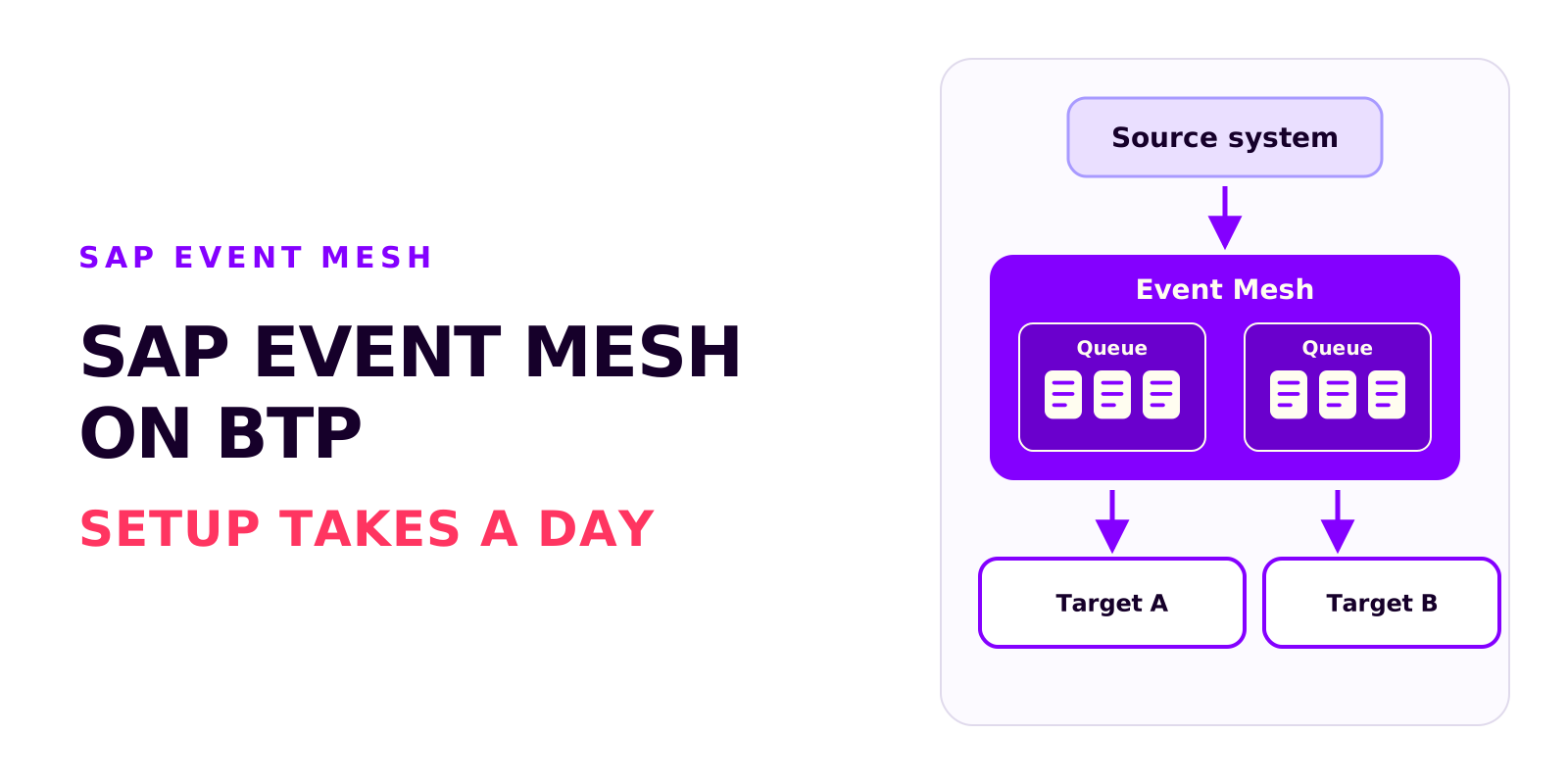
SAP Event Mesh on BTP: requirements, cost and the most common mistakes
Björn OstermannTopic: SAP ConsultingSetting up Event Mesh takes a day. The work goes into entitlements, role collections and event processing. What the service does, what you need to run it and what it costs.
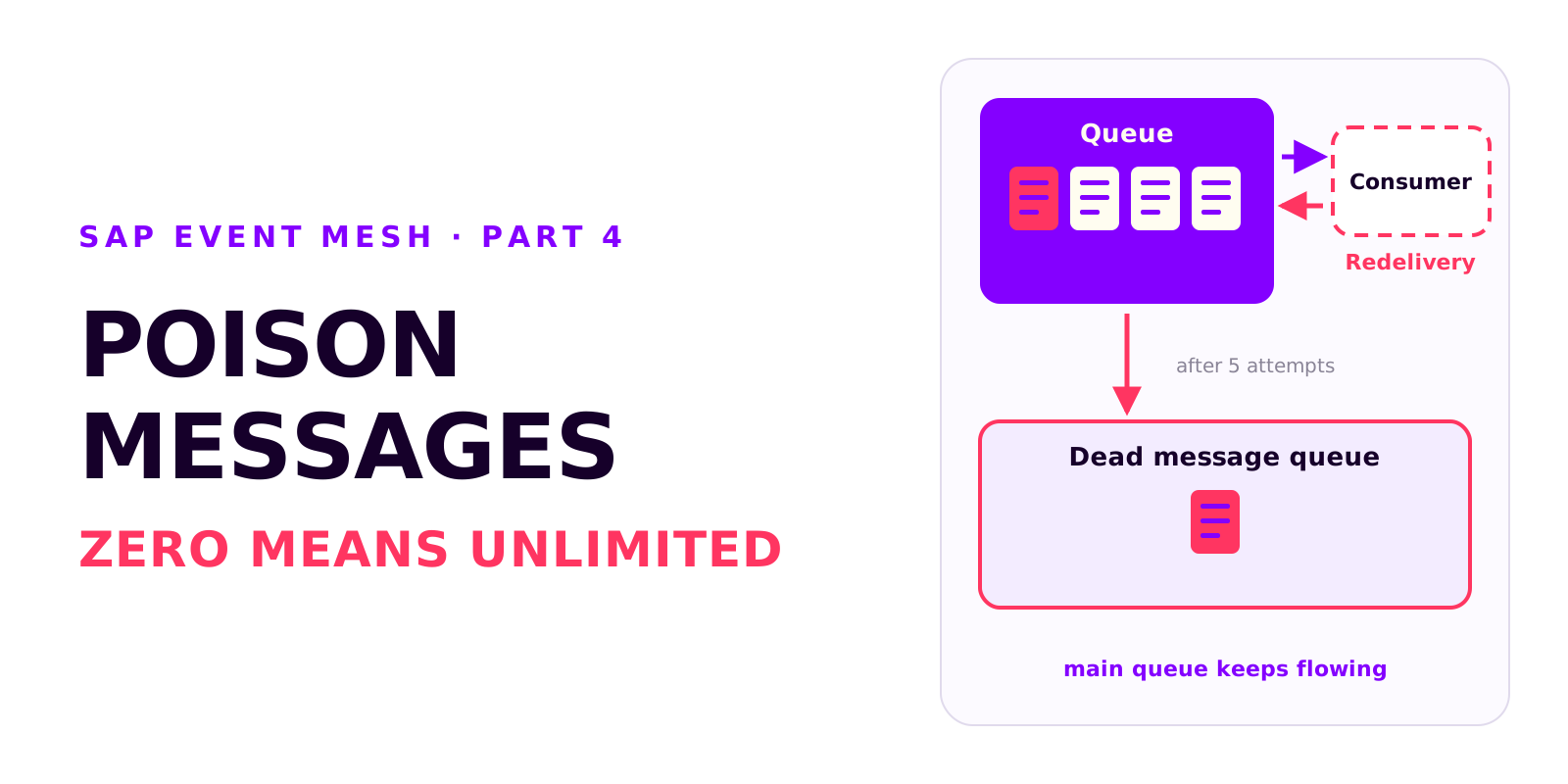
Poison messages, redelivery and the dead message queue in SAP Event Mesh
Björn OstermannTopic: SAP ConsultingA message that can't be processed is redelivered without limit and blocks the queue. Why messages fail, how redelivery and the dead message queue work together, and which settings every productive queue needs.
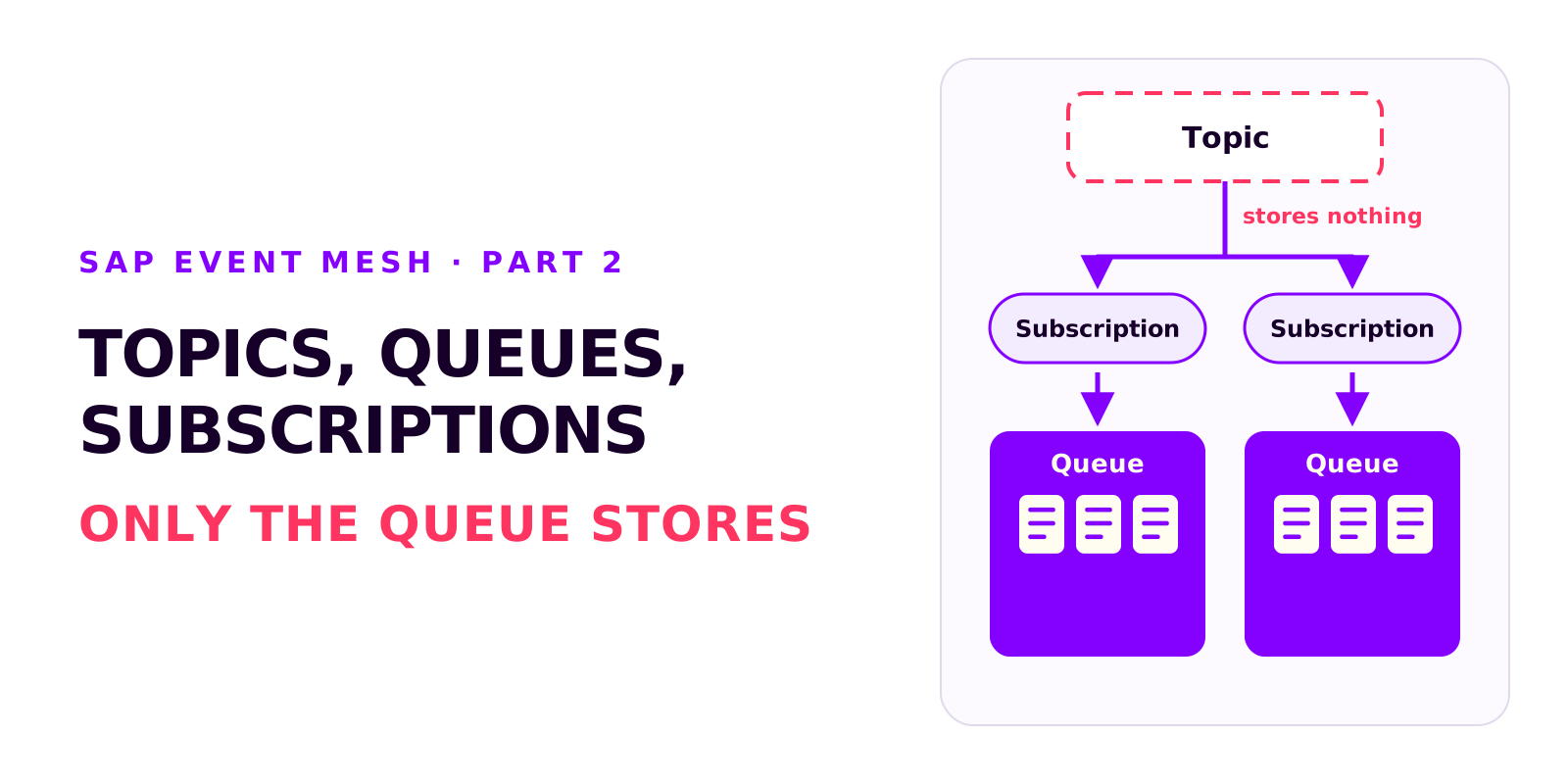
Topics, queues and subscriptions in SAP Event Mesh
Björn OstermannTopic: SAP ConsultingTopic, queue and subscription are three different objects. What each of them does, in which order to create them, how the namespace becomes part of every name and which wildcards subscriptions support.
Book a call
Planning an event-driven integration?
Talk to us. We can help with setup, event processing and error handling.
- 30 minutes
- no commitment