
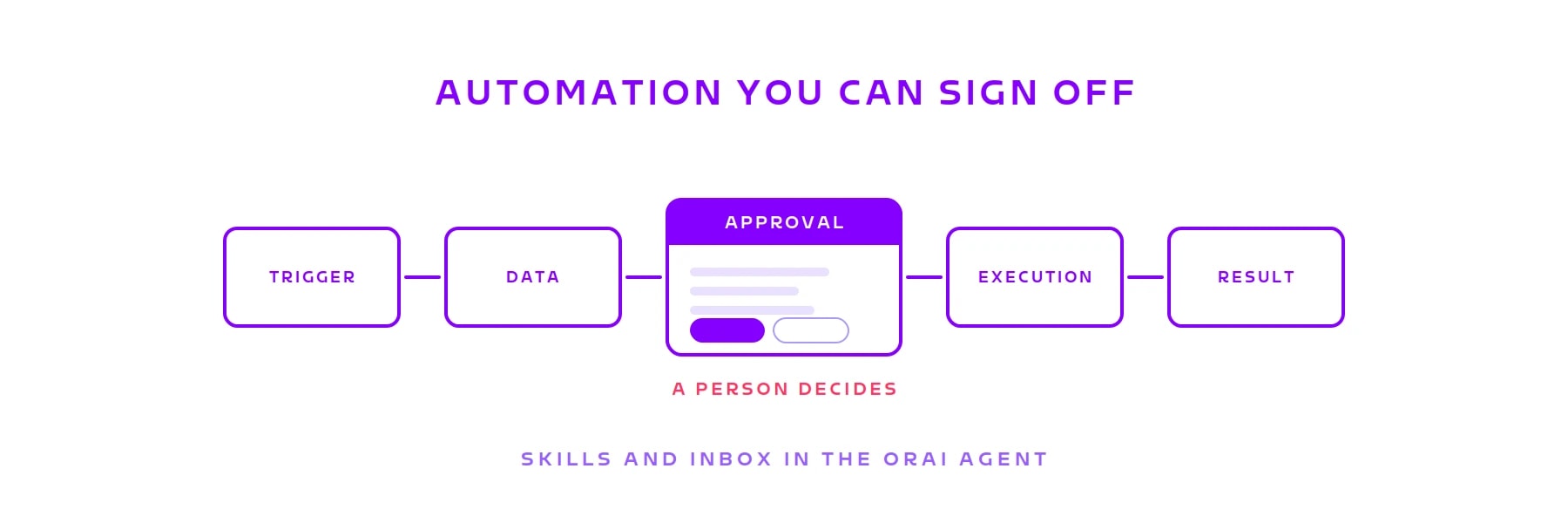
Automation you can sign off: Skills and the Inbox in the ORAI Agent
Reading: happily. Analysing: happily. Writing: not unsupervised, please. A Skill fixes the sequence before the first run starts, the Inbox stops it where someone has to answer for it. Why that combination carries the business case.

Your AI has access to SAP. Would you also let it post there? And could you show six months from now who approved it?
In the conversations we have, the enthusiasm usually ends right here. Reading: happily. Analysing: happily. Writing: not unsupervised, please. That is not scepticism about the technology, that is liability.
The ORAI Agent therefore separates two things that usually get mixed up. A Skill is the sequence: which steps run in what order and which systems they touch. It is fixed before the first run starts and can be traced afterwards, step by step. The Inbox is where that sequence asks a person. Where someone carries the responsibility, the run stops, puts the decision on the table and picks up again once the answer comes in. Three days later, if that is how long it takes.
That is the business case. Control did not disappear, it stands at a point anyone can put a finger on in the diagram. Which is why a process built this way gets signed off internally.
The sequence is fixed before the first run
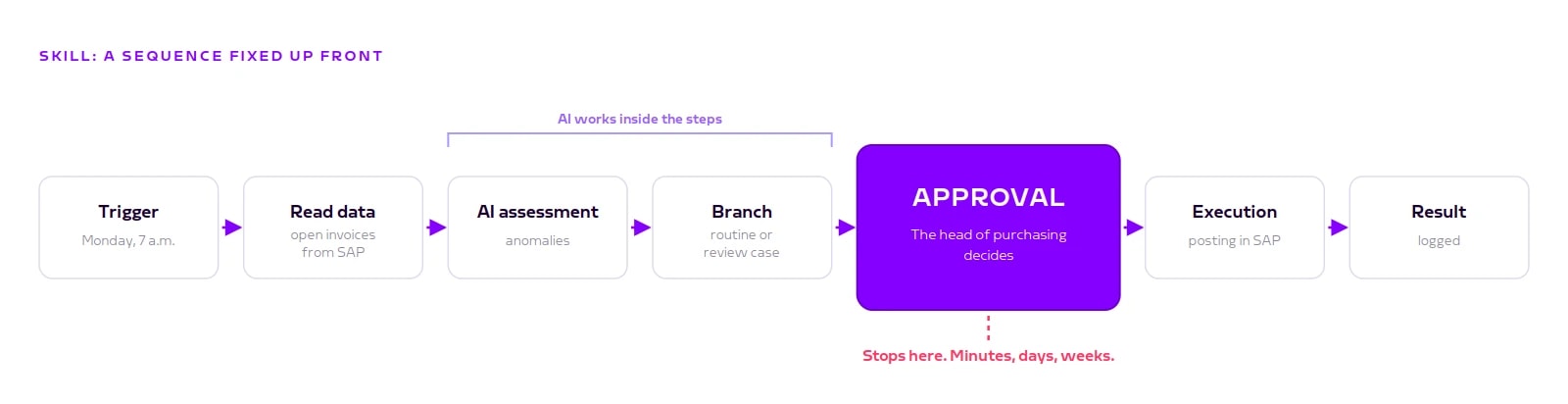
A Skill consists of individual steps: read data, an AI assessment, a branch, an approval, a posting. These steps and every branch are defined up front and versioned. The AI cannot work around them at runtime.
AI is still involved, just in fixed places. It fills a step's inputs from the results of the previous ones, it decides conditions written in plain language, and it produces the result where a step is explicitly an AI step. It does not pick the path through the sequence. Every step goes into the log, with credentials masked.
Where the effort in workflow projects goes
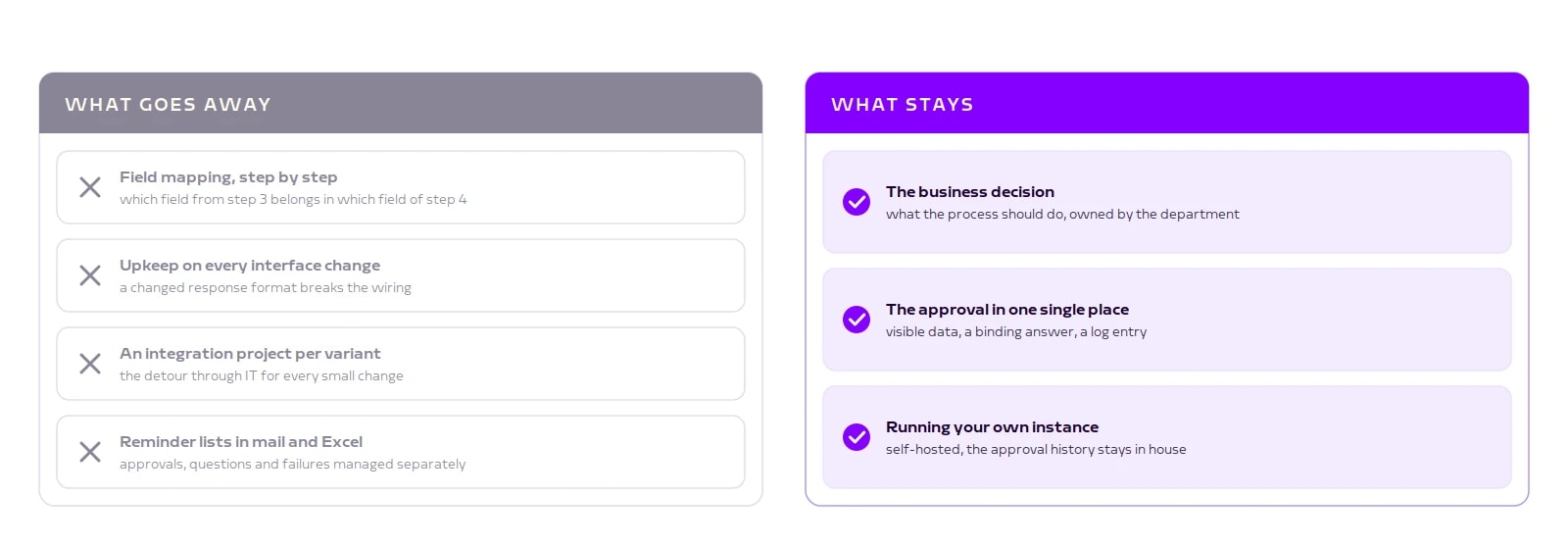
Anyone who has built a process in a classic workflow tool knows the split. The logic is described in an afternoon. Then the wiring starts: defining field by field which value from step 3 belongs in which field of step 4. That is the real work, and it comes back with every interface change.
In the ORAI Agent the AI takes on that matching at runtime. What goes away: the work field by field, its upkeep, and the detour through IT for every small variation. What stays: the decision about what the process should do in business terms. You describe the Skill in one sentence, adjust it in the editor, and before it goes live there is a test run with every write action only simulated.
You pay for that elsewhere: what is guaranteed is that every step can be traced, not that every run produces identical wording.
Four reasons, one inbox
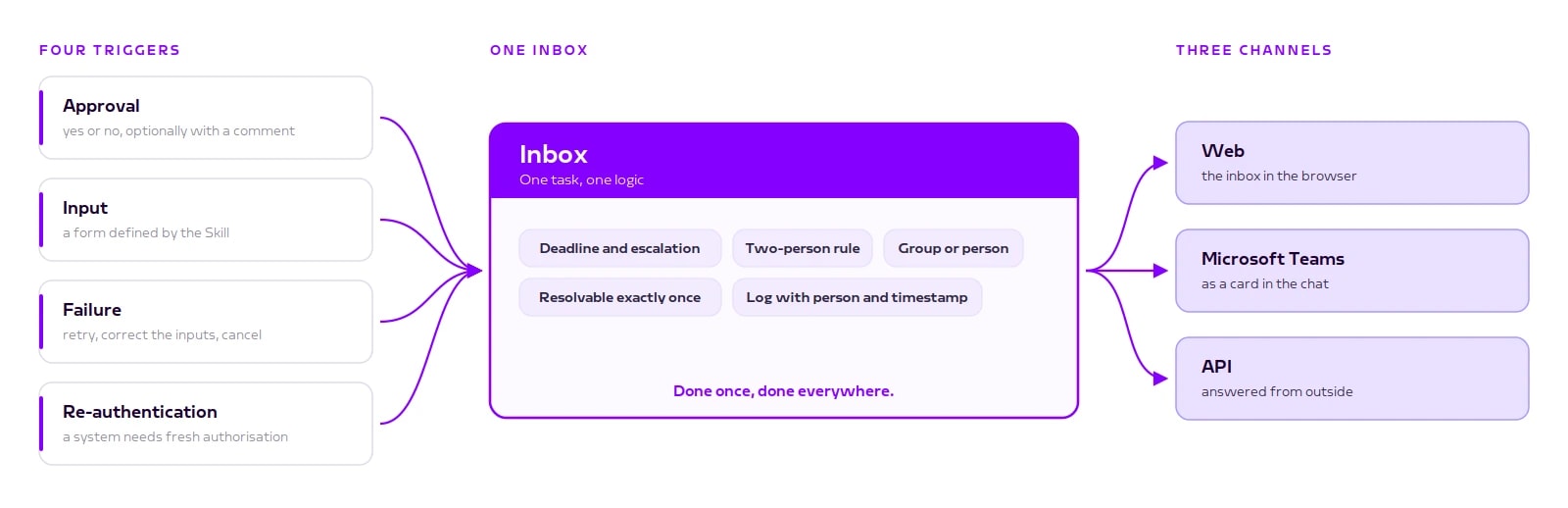
A Skill needs a person for four reasons. It wants an approval. It needs an input and provides a form for it. A step has failed and someone has to decide between retry, correction and cancellation. Or the sign-in to a system has expired.
Normally these are four separate workarounds: the mailbox for approvals, a ticket for failures, an Excel reminder list for open questions, a call to the admin for access. In the ORAI Agent they all sit in the same inbox, under the same rules for permissions, deadlines and logging.
You answer a task wherever you are already working: in the web inbox, as a card in Microsoft Teams, or through the API. Done in one place means done everywhere.
For the approval itself, one detail matters. The card shows the data that actually goes to the system, not an approximate preview. What you see is what gets executed. Reject it and the run ends, on the record.
What happens while a run waits
Nothing. And that is the point. The run holds no session open, no connection, no process. Its state is stored, and when the answer arrives it continues from the same place. Minutes, days, weeks, across restarts and updates.
An example from purchasing. The Skill starts on Monday, reads the open supplier invoices, an AI step flags anything unusual, a branch separates routine from review case. The flagged invoices go to the head of purchasing. Approved means posted, rejected ends the run with a record.
To stop anything sitting around for weeks, a task can carry a deadline. When it expires, the rule defined beforehand applies: escalate, set a default answer, or cancel. And where responsibility demands it, whoever triggered the run cannot approve it. The system blocks that rather than just showing a warning.
And one more thing that sounds minor: every running case stays tied to the version it started on. You can change a Skill on Tuesday without breaking the approval that has been sitting in someone's inbox since Monday.
An honest comparison
n8n, Make and Zapier are strong when a chain needs to stand up fast, and they bring plenty of connectors. Wiring the fields stays manual work. And if someone has to decide mid-flow, you build the waiting yourself, usually with an email out and a webhook back.
Power Automate and Copilot Studio pay off when the world is M365 anyway, and approvals are standard there. Your process data then travels through the Microsoft cloud, and the further the process moves away from M365, the more connectors you end up building.
SAP Build Process Automation is the obvious choice as long as the process stays inside the SAP core, and every step shows up in its monitoring. AI there helps you build the process and read documents. You still wire the fields yourself.
Free-roaming AI agents are strong when nobody knows in advance which steps are needed. For a posting in the ERP you do know, and an agent that solves the same case two different ways becomes a risk.
Two things are missing on our side as well. Loops run one after another, not in parallel. At a few hundred line items you notice. And there is no daily email digest, you either open the inbox or Teams delivers it.
The difference is not the amount of automation anyway. It is where the decision sits and whether it can be proven afterwards.
Conclusion
The question is rarely whether AI may write into a system of record. It is where you want to keep the decision and how you prove it six months later. The Skill fixes the sequence, the Inbox stops it where someone has to answer for it.
If you are wondering where to start: take the process with the most email back and forth today. The approval already sits there, just unstructured.
Coming next: what an approval card shows technically, how a Skill goes from description to publication, and how approvals land directly in Microsoft Teams.
Book a call
See the approval step on your own process
In 30 minutes we build a Skill on one of your processes, show the approval card with real data, and work out where the decision should sit in your organisation.
- 30 minutes
- on your own process
- no commitment
Keep reading
More on ORAI Agent
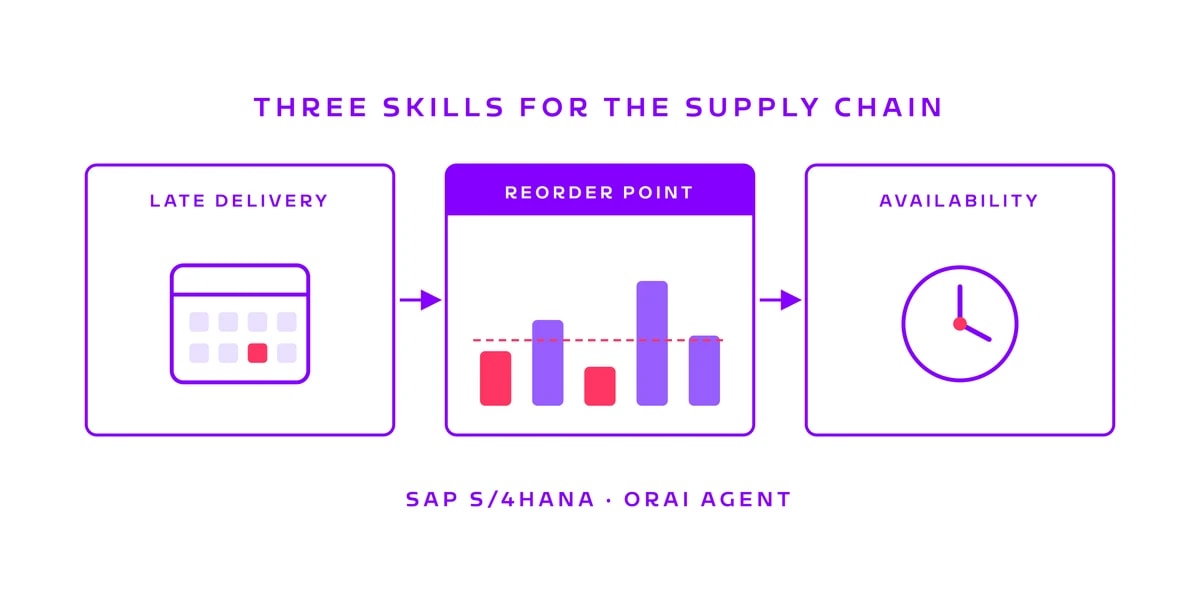
Three supply chain skills in the ORAI Agent: late deliveries, reorder points, material availability
Chasing overdue purchase orders, checking reorder points, confirming material for a production order: three tasks that come back every week. We built a skill for each and ran them against a real SAP S/4HANA system.
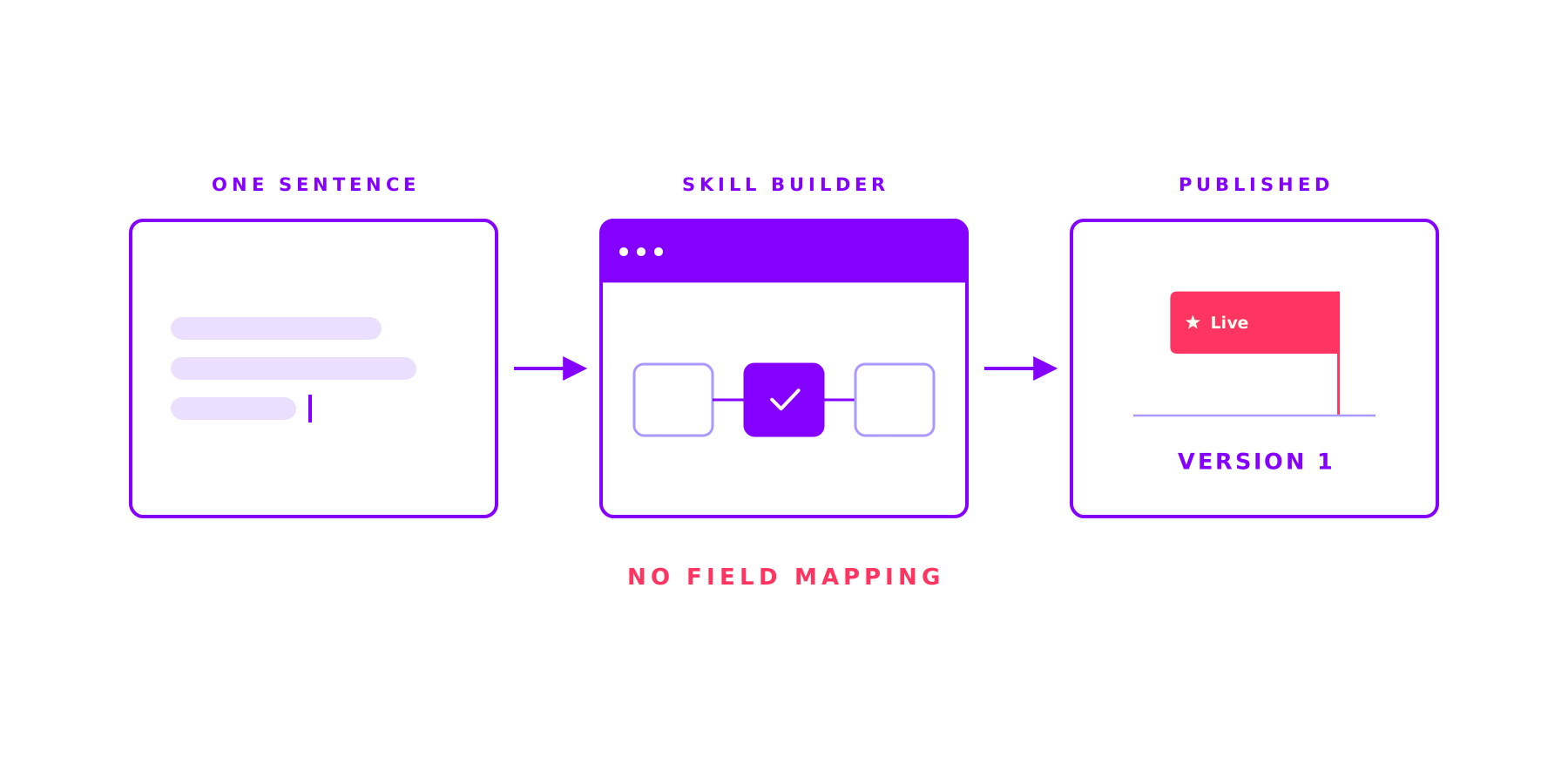
The Skill Builder in the ORAI Agent: complex work, the same right way every time
Ask an AI the same thing twice and get two different answers: that is where AI stalls in most companies. A Skill fixes the steps, the tools and the approvals up front and lets the AI work only where it is strong. And you build one in a single sitting.
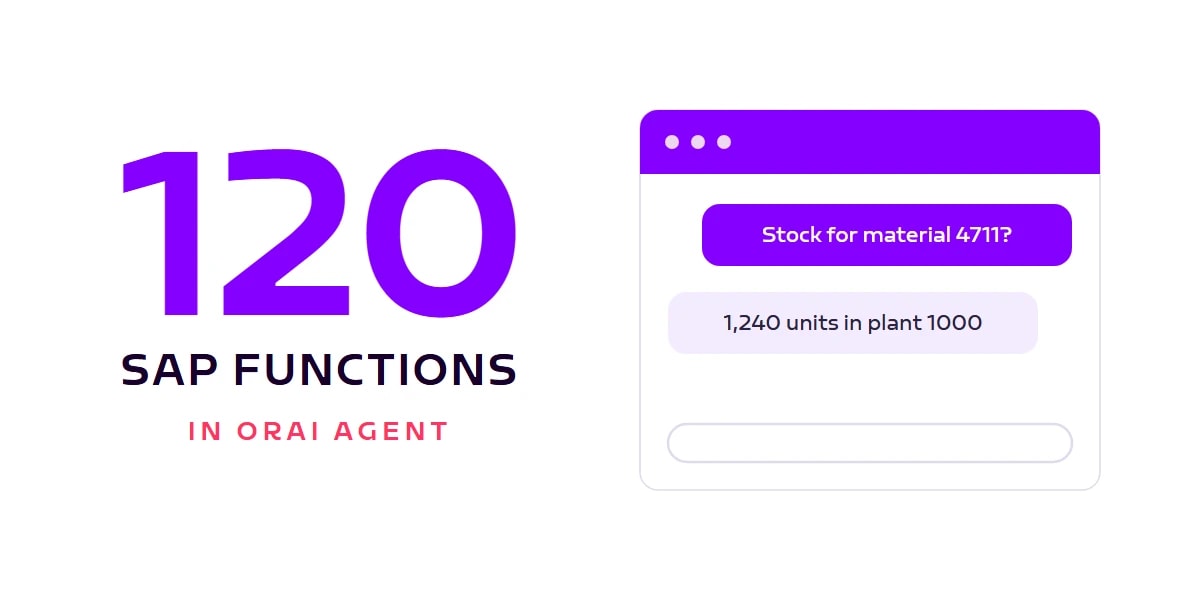
100+ SAP functions in ORAI Agent: from sales quote to supplier invoice
The ORAI Agent SAP catalog now covers 120 functions across 12 SAP standard APIs: order-to-cash and procure-to-pay end to end, plus material master, stock, and business partners. All via standard OData, no ABAP, with your users' real permissions. And the number keeps growing.