
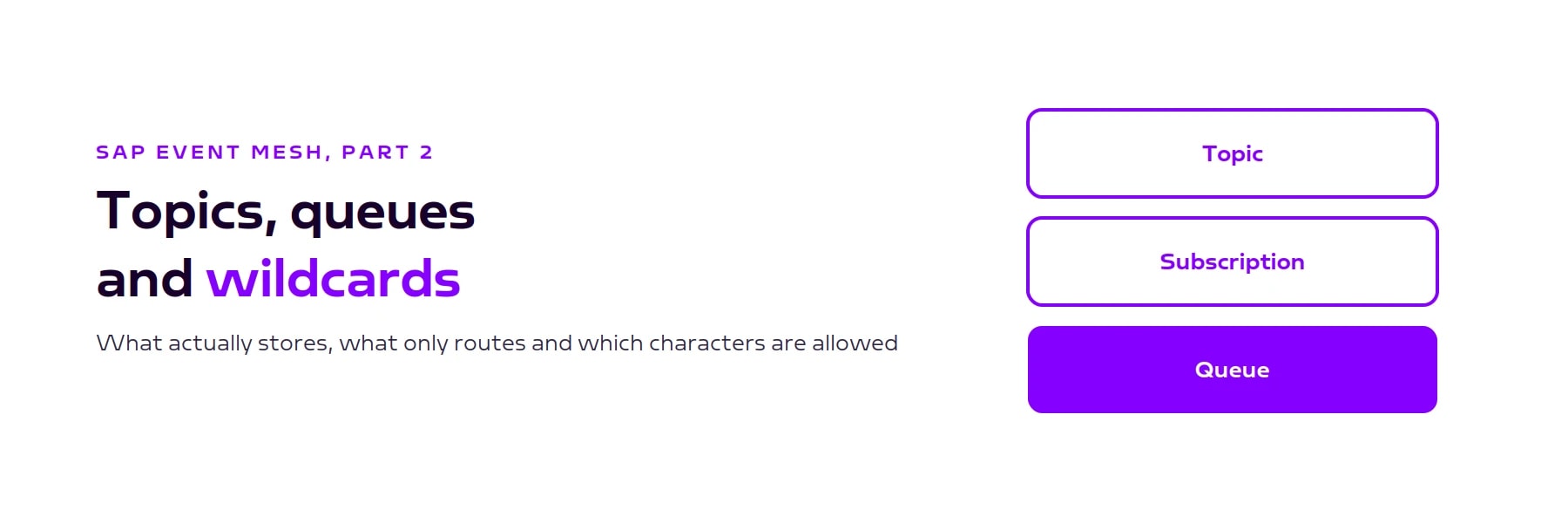
Topics, queues and subscriptions in SAP Event Mesh
Topic, queue and subscription are three different objects. What each of them does, in which order to create them, how the namespace becomes part of every name and which wildcards subscriptions support.

A message is published, the queue stays empty, and the consumer can't find the queue you just created in the cockpit. Both problems have the same cause: topic, queue and subscription are three different objects, and the order in which you create them decides whether a message is stored or discarded. This article explains what each of the three does, how the namespace becomes part of every name and which wildcards subscriptions support.
What topic, queue and subscription do
A topic is the address a message is published to. You don't create it; it exists as soon as something is published to it, and it stores nothing. According to SAP, subscribers to a topic have to be active when the message is sent, otherwise the message is lost (SAP tutorial on queues and queue subscriptions (opens in a new tab)).
A queue is created in the Event Mesh cockpit, has a name and stores messages until a consumer picks them up. Everything to do with reliability belongs to the queue: waiting, redelivery, the dead message queue.
A subscription connects the two. It is maintained on the queue and defines which topics the queue collects. Several queues can subscribe to the same topic, and each of them gets its own copy of the message.

That is why the queue stays empty: if you publish to a topic that no queue subscribes to, the message is discarded. It doesn't land in the dead message queue either, because a dead message queue belongs to a queue, and no queue was involved.
Order of creation
Because the topic stores nothing, the queue and its subscription have to exist before the first message is published:
- Create the queue in the Event Mesh cockpit
- Create the subscription to the topic on that queue
- Publish
During testing, doing this in the wrong order is the most common mistake. Publish a test message first and create the subscription afterwards, and the message is gone without any error; you then start looking for the fault in the adapter or the permissions, where there isn't one. The same applies to any receiver you add later: it only gets messages from the moment its subscription exists.

The namespace is part of every name
Every Event Mesh service instance is a message client with a namespace defined in the service descriptor. The namespace is a three-part prefix such as acme/crm/prod, and according to SAP all queues and topics of the message client carry it (SAP answer on the service descriptor (opens in a new tab)). It does two things: it makes names unique within the subaccount, and it acts as the permission boundary, because the rules in the service descriptor define which names the client may publish to and read from. The View Rules tab in the cockpit shows those rules for each instance (SAP tutorial (opens in a new tab)).
The prefix isn't added for you. In the Create Queue dialog the Namespace field defaults to None; leave it there and the queue is created without a prefix, and no client in that namespace can use it. The info field Final Queue Name would be shows the full name your consumer will have to enter later. Queues can't be renamed; one created with the wrong namespace is deleted and recreated.

We recommend keeping development, test and production in separate namespaces rather than filtering in the consumer later, and naming queues after the event they collect rather than after today's receiver. A namespace that contains system, environment and purpose stays readable without looking anything up.
Wildcards in subscriptions
A topic name is made up of segments separated by slashes, for example acme/crm/prod/customer/created. A subscription doesn't have to name every topic individually; it can contain wildcards. The syntax valid for your instance is shown in the subscription dialog in the Event Mesh cockpit. For Event Mesh, there are two characters:
+stands for exactly one segment.acme/crm/prod/customer/+capturescreated,updatedanddeletedwith a single subscription.*at the end stands for all remaining segments.acme/crm/prod/*captures everything below that path, whatever the depth.
SAP Integration Suite, advanced event mesh uses a different syntax: there * stands for one level and > at the end for all remaining levels (SAP tutorial on advanced event mesh (opens in a new tab)). Subscriptions copied over from advanced event mesh or from MQTT (#) match nothing in Event Mesh.

Keep reading
Related articles
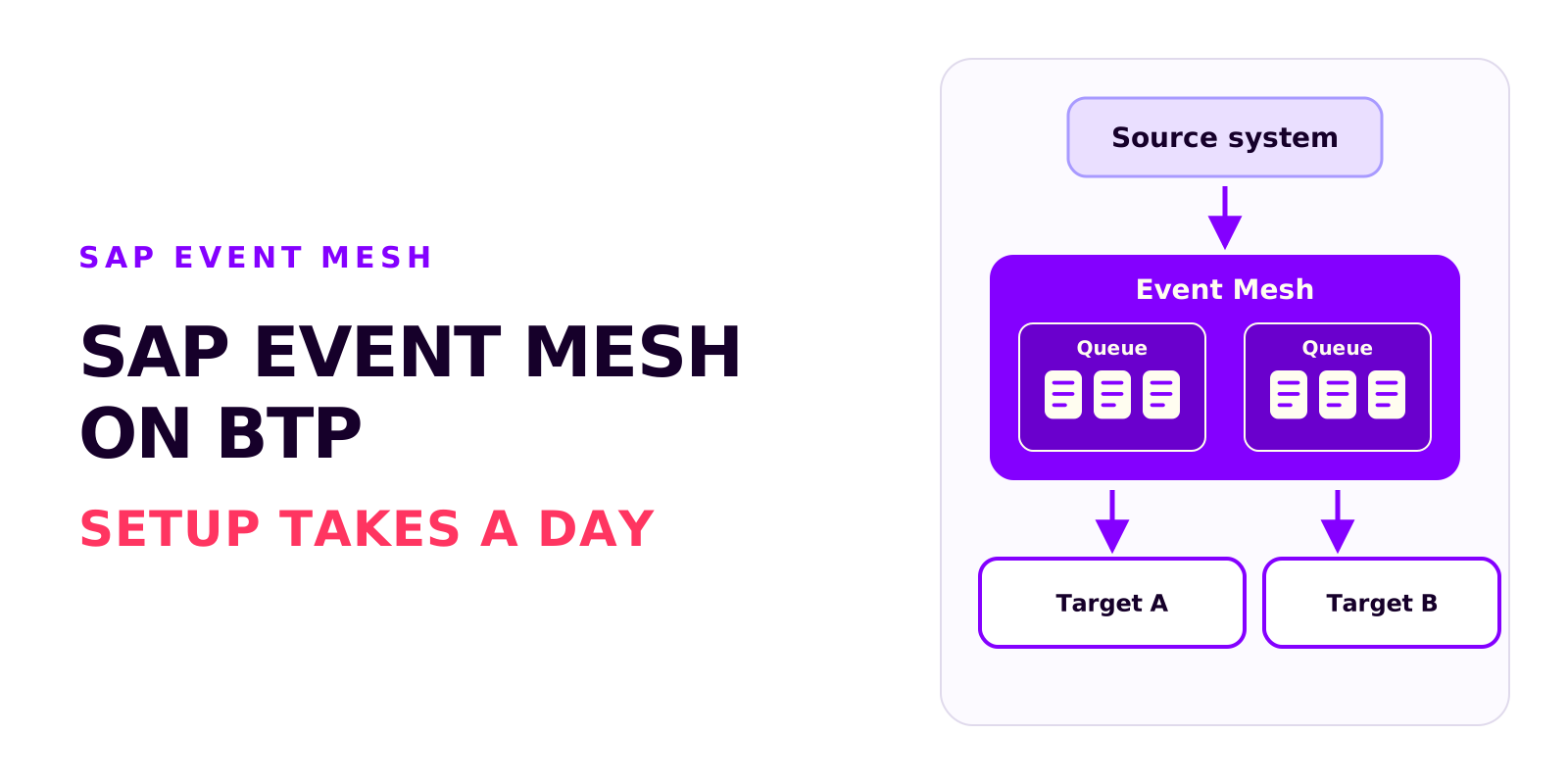
SAP Event Mesh on BTP: requirements, cost and the most common mistakes
Björn OstermannTopic: SAP ConsultingSetting up Event Mesh takes a day. The work goes into entitlements, role collections and event processing. What the service does, what you need to run it and what it costs.
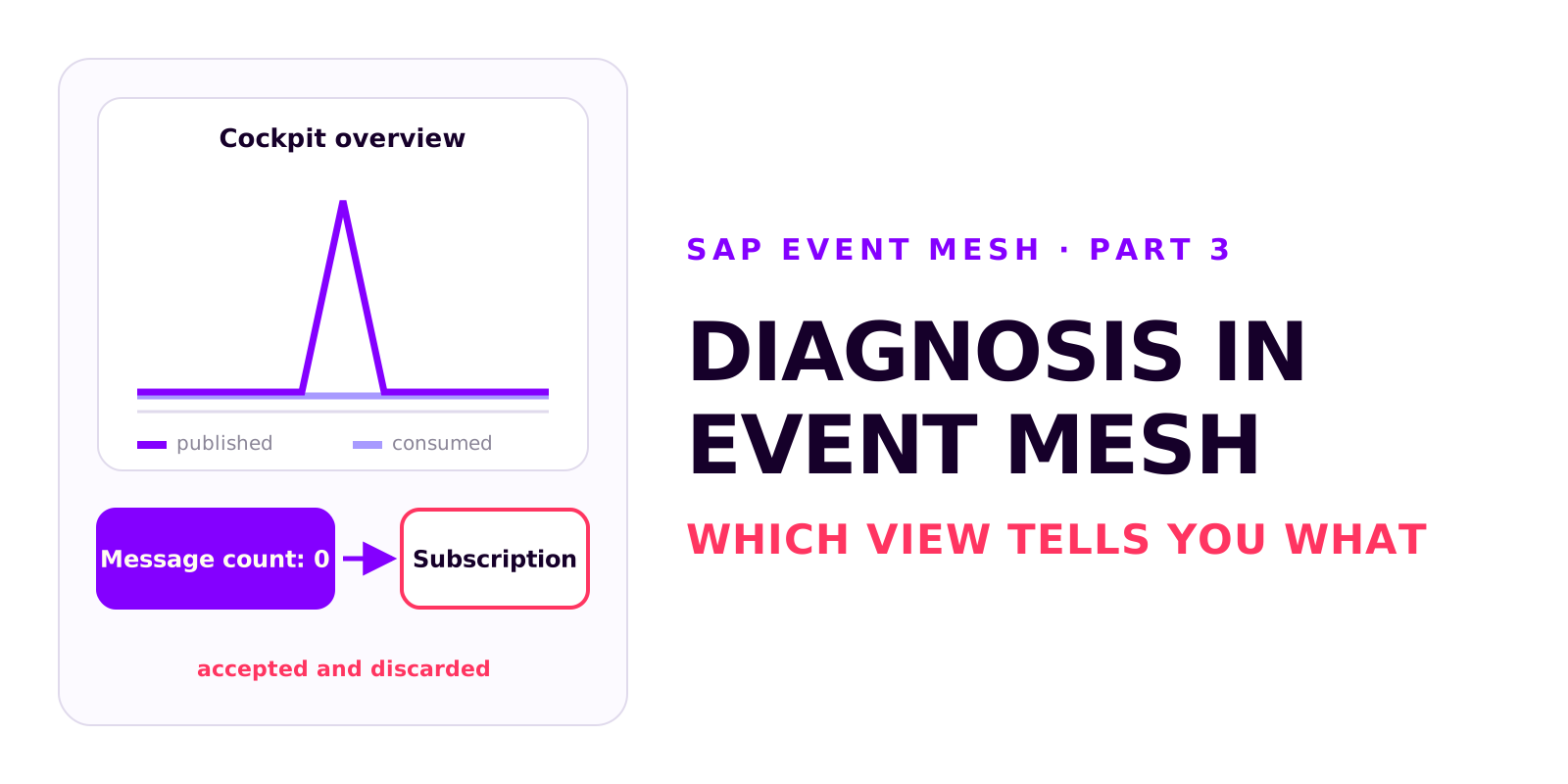
Diagnosis in SAP Event Mesh: which view tells you what
Björn OstermannTopic: SAP ConsultingA decoupled integration has no end-to-end error message. Which four views in Event Mesh and Integration Suite tell you what, how to test without a source system, and how comparing the counters tells you where to look.
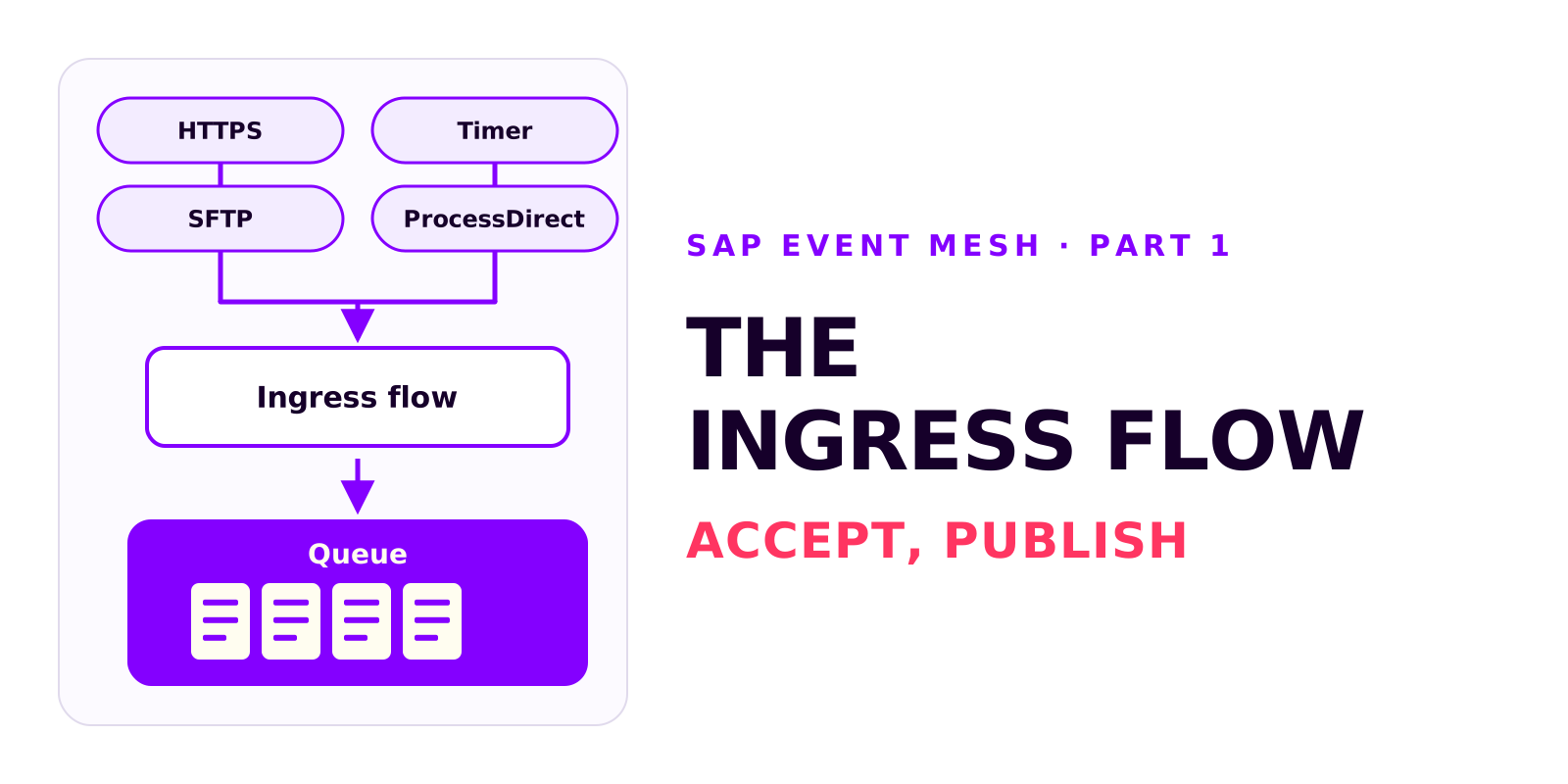
The ingress flow: from event to Event Mesh queue
Björn OstermannTopic: SAP ConsultingThe ingress flow accepts an event and publishes it, unchanged, to a queue. What it does, which sender adapter fits the source system, how to configure the AMQP receiver adapter and how to verify that events reach the queue.
Book a call
Planning an event-driven integration?
Talk to us. We can help with setup, event processing and error handling.
- 30 minutes
- no commitment