Scan instead of paper: mobile warehouse processes with SAP Build Apps
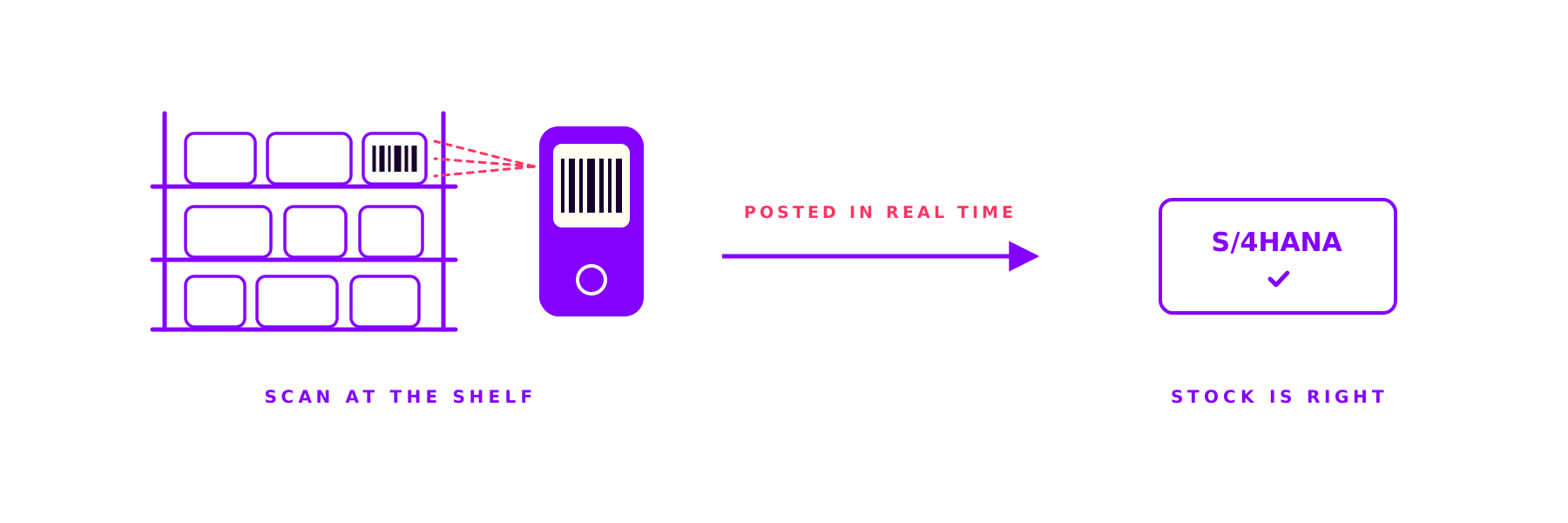
Where do you post stock movements: at the shelf or later at a desk? In one warehouse, movements were noted on paper and keyed in later. We built mobile apps with SAP Build Apps that handle goods receipt, transfers, stock counts and shipping right on the handheld. With barcode scanning, offline capable and booked straight into S/4HANA.

Where do you post stock movements: at the shelf or hours later at a desk? And how often does the stock in SAP still match the shelf by then?
At one manufacturer, warehouse movements were noted on paper and keyed in later at a desk. We built mobile apps with SAP Build Apps that handle goods receipt, transfers, stock counts and shipping right on the handheld. With barcode scanning, offline capable and posted to S/4HANA in real time.
The starting point: scanned on paper, booked at the desk
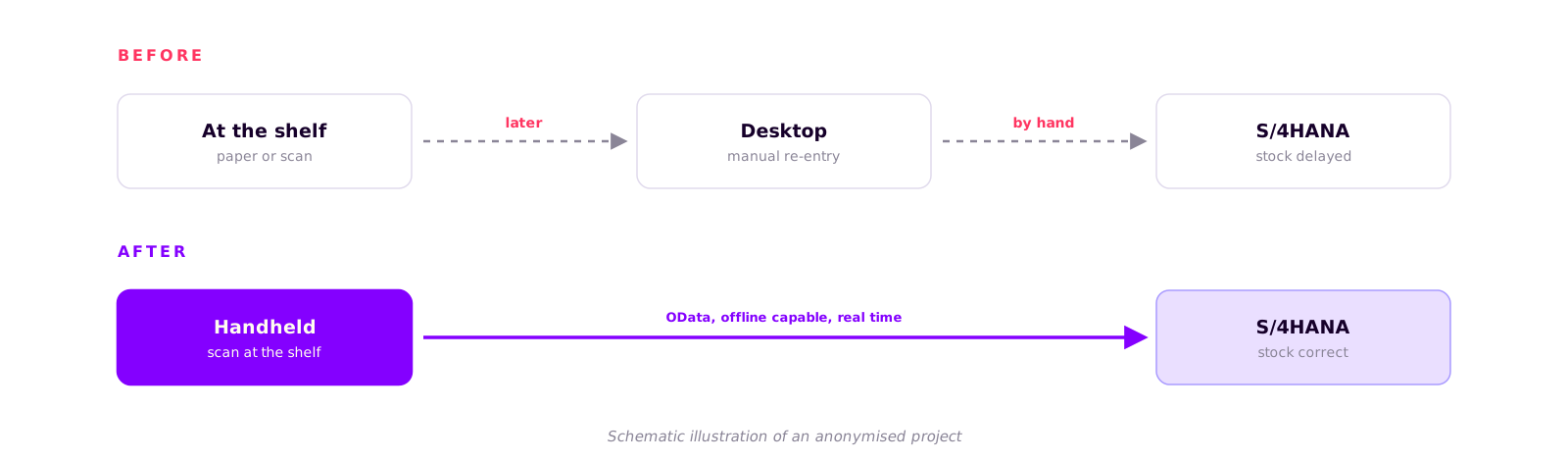
In many warehouses there is a gap between what happens at the shelf and what the system shows. Here it worked like this: goods receipt, transfers, stock counts and shipping ran on paper and fixed terminals. Scanning or noting happened at the shelf, and the movement was keyed into SAP later at a desk.
Time is lost between the two, and accuracy along with it. Until it is booked, SAP shows stock that no longer exists in reality. Notes get lost, the desk entry gets postponed, and in a dead spot at the back of the racks the best desktop screen is no help. The warehouse works mobile, but the system only at the desk.
4
Warehouse processes run mobile: goods receipt, transfer, stock count, shipping
0
Manual entry at the desk: scans post straight into S/4HANA
1
Device in hand instead of paper, usable offline in dead spots too
The solution: mobile apps on SAP Build Apps
We built a set of mobile apps with SAP Build Apps, the low-code environment on SAP BTP at the time. They handle the core warehouse processes right on the handheld: goods receipt, transfers, stock counting and packing shipments.
Scanning runs by barcode, fast and without retyping. Postings go in real time through OData and REST straight into S/4HANA. If the network drops, the app keeps working offline and syncs automatically later, without losing a record. Validation and error handling sit on the device itself, so wrong entries never reach the system in the first place. And the interface is made for the warehouse floor: high contrast, large touch targets, usable with gloves and on ruggedized handhelds.
How we delivered
From process discovery to rollout on the devices.
- Process discovery
Which warehouse processes, which devices, which steps at the shelf?
- Build
Build the apps in SAP Build Apps: scanning, validation, offline buffer and OData connection.
- Test in the warehouse
Test on the real handhelds, with the warehouse staff, under real conditions.
- Rollout and enablement
Roll out the devices, train the staff, hand over cleanly to operations.
The result: booked where it happens
Postings now happen where the goods move, not later at a desk. Stock in S/4HANA matches the shelf because the booking runs immediately. Less manual entry means fewer typos and fewer stock errors. And offline capability keeps work going even in a dead spot.
That such apps could be built quickly with SAP Build was backed by a GigaOm study (opens in a new tab) cited by SAP: development with SAP Build was about three times faster than traditional custom development. For the warehouse, though, one thing mattered most: the worker scans, and the system is right.
Why the warehouse has to be thought mobile
A warehouse is a harsh environment for IT. Metal racks swallow the signal, it is cold, dusty and busy, and no one walks to a terminal for every posting. Tie warehouse processes to a fixed desk and you defer the data entry and accept stock discrepancies.
Mobile and offline are not extras here, they are the actual requirement. Scan at the shelf, book in real time, keep working without a network: that is the difference between stock you trust and stock you keep correcting.
An honest footnote: SAP Build Apps was discontinued
Part of an honest account is this: shortly after the project wrapped, SAP discontinued SAP Build Apps as a standalone product (as of March 2026, see the SAP deprecation announcement (opens in a new tab)). Existing environments keep running for now, but SAP no longer builds new projects on this tool.
For the project described here, that changes nothing: the apps are built, in use and still posting to S/4HANA. What remains from this case is not the tool but the lesson behind it: warehouse processes belong mobile and offline at the shelf, not at a fixed desk.
How we work at ORAI
We know both sides: the mobile work at the shelf and what has to happen behind it in SAP. Barcode scanning, offline concepts and clean posting into S/4HANA. The processes behind them hold, independent of any single tool. How we integrate larger SAP landscapes is shown in our reference on the S/4HANA integration at an automotive supplier, and you will find an overview of our services under SAP Consulting. In every project, a founder sits at the table, not a pyramid of juniors.
Contact
Your warehouse works mobile, your SAP system only at the desk?
Tell us briefly how your warehouse runs today. We will tell you what makes sense to move onto a handheld and where the effort actually sits.
- no obligation
- no sales pressure
Keep reading
More on Client Projects
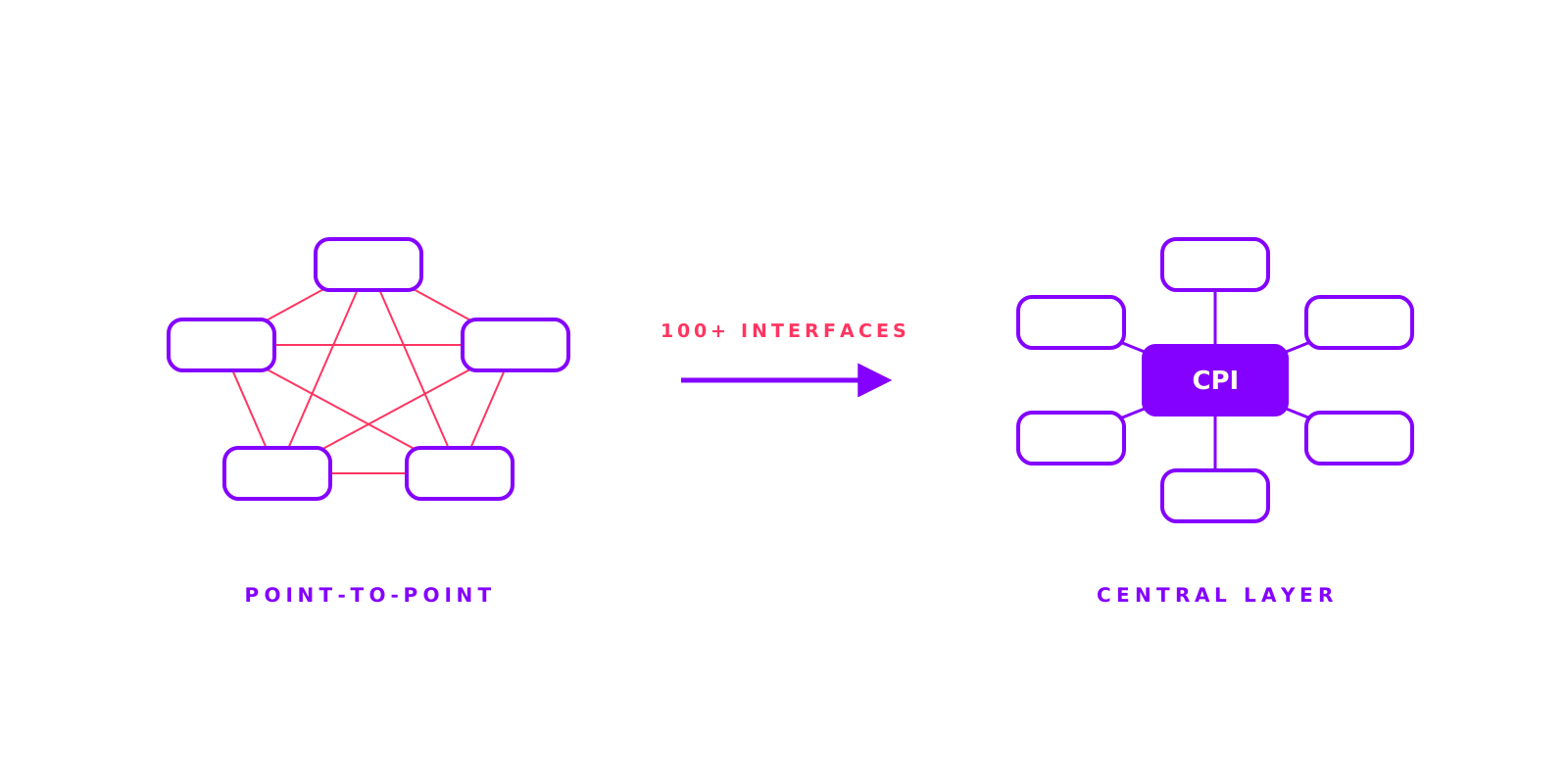
100+ interfaces, on-time go-live: S/4HANA integration at an automotive supplier
More than 100 interfaces, three plants, live JIT supply: an automotive supplier was moving to SAP S/4HANA. The risk was not the ERP but the point-to-point integration that had grown over years. We helped turn it into one central layer on CPI. The go-live landed on schedule.

Product Knowledge in Seconds: How a Machinery Manufacturer Transformed Sales and Service
A mid-sized industrial machinery manufacturer wanted to give their sales and service teams faster access to product information. With the ORAI Agent and a simple SharePoint connection, the solution was live in just 3 weeks.
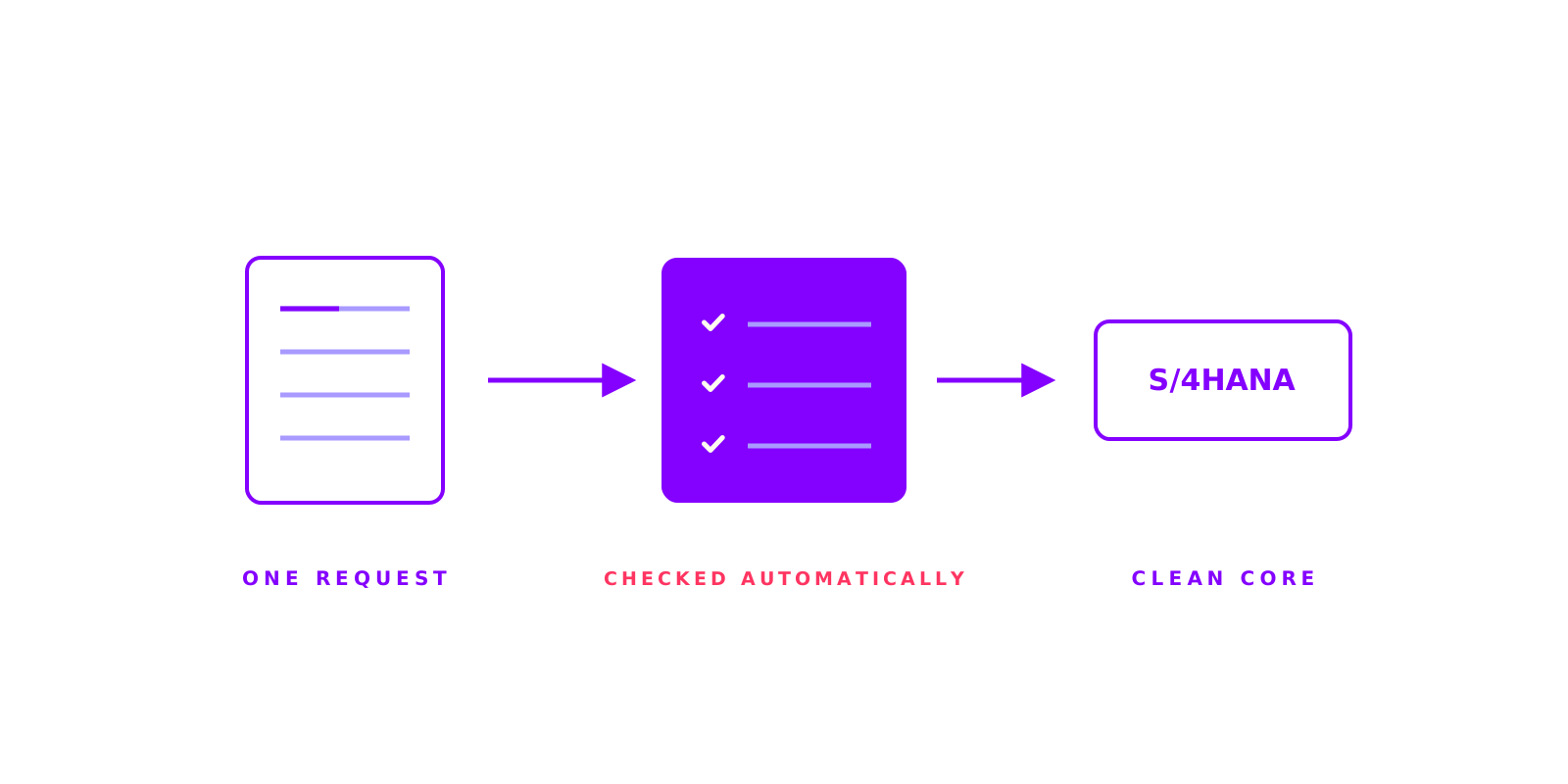
One request instead of email chaos: material master creation at a machinery manufacturer
How long does a new material master take at your company? At a machinery and plant manufacturer, creation ran over emails, Excel and word of mouth, across five departments. We turned that into one workflow on SAP Build Process Automation: a single request, automatic checks including duplicate detection, clear approvals, creation via standard OData.