
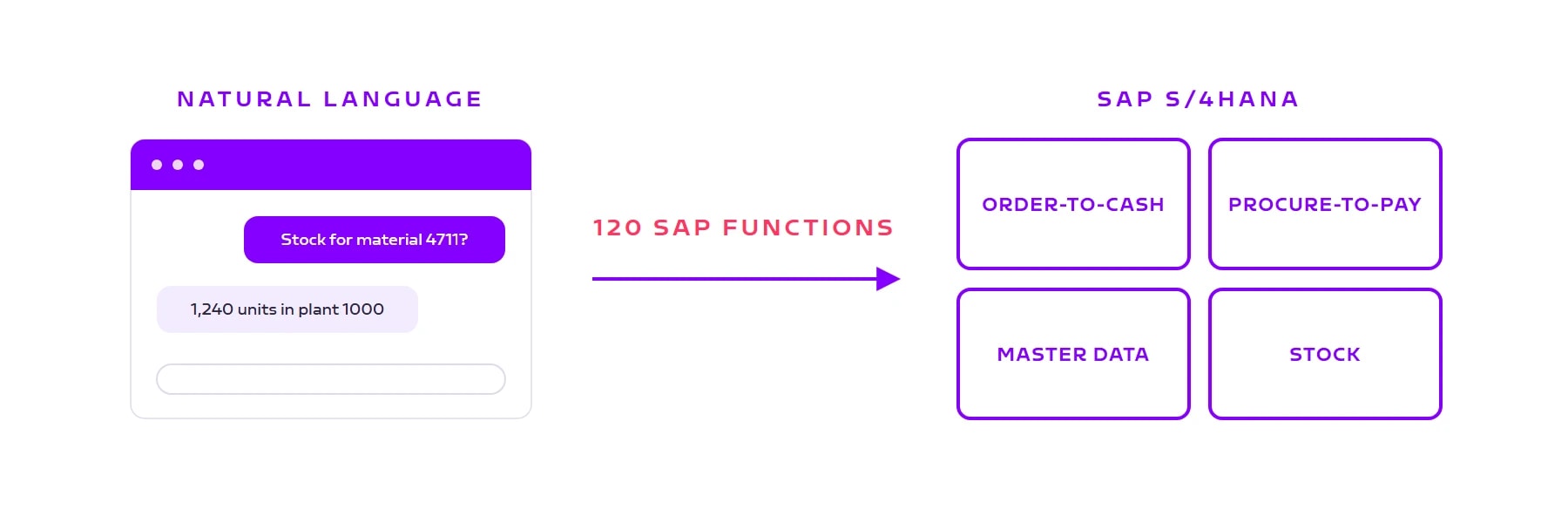
100+ SAP functions in ORAI Agent: from sales quote to supplier invoice
The ORAI Agent SAP catalog now covers 120 functions across 12 SAP standard APIs: order-to-cash and procure-to-pay end to end, plus material master, stock, and business partners. All via standard OData, no ABAP, with your users' real permissions. And the number keeps growing.

Your SAP system can already do this. Now your agent can, too.
Where is purchase order 4500017560? Is there enough stock in the plant to cover this week's orders? Which supplier invoices are waiting to be entered? The answers live in SAP. Getting to them today means transactions, selection screens, and Excel exports.
There is now a shorter route: ORAI Agent covers more than 100 SAP functions. The exact number is 120, spread across 12 SAP standard APIs and 32 business objects in SAP S/4HANA. That means end-to-end coverage of the two core processes, order-to-cash and procure-to-pay, plus material master, inventory management, and business partners. Your team asks in plain language; the agent reads, creates, and updates directly in SAP. Every write action requires human approval first.
12
SAP standard APIs
32
Business objects
120
Functions in the catalog
From selection screens to a single sentence
The real gain is not the number, it is the path. Creating a purchase requisition used to mean: open the transaction, pick a document type, enter items, fill fields, save. In ORAI Agent it is one sentence in the chat: "Create a purchase requisition for 20 units of material 4711 for plant 1000." The agent asks for anything that is missing, shows the result for review, and only creates it after your approval.
The same goes for lookups: "Has the Weber order shipped yet?" replaces a route through several transactions and an Excel export. People get the answer where they already work, in the chat.
And everything happens from the perspective of the signed-in user: the agent works with that person's SAP authorizations, not with a shared technical user. Sales sees their customers, purchasing sees their material groups. Whatever someone cannot see in SAP, they will not see in the chat either. Every action stays attributable to the real user, which keeps it fully auditable.
Order-to-cash: from quote to billing document
The full sales process is covered. The agent creates quotes and sales orders, checks delivery dates and confirmed quantities down to the schedule line, and tracks outbound deliveries through to billing. It answers the everyday sales questions straight from the system: Which orders have not been delivered yet? Which items are still open for this customer?
Order-to-cash in ORAI Agent
End to end in the chat: from quote to billing document.
- Quote
Read and create sales quotations with items
- Sales order
Read and create orders incl. schedule lines and partners
- Delivery
Create and track outbound deliveries
- Billing
Analyze billing documents and items
Procure-to-pay: from requisition to invoice
The same pattern applies on the purchasing side. Purchase requisitions are created straight from the chat, purchase orders and inbound deliveries are trackable, and supplier invoices with purchase order reference are pre-entered for verification.
On top of that come master data and inventory: the material master with seven views (from basic data through plant and sales views to valuation), current stock levels per plant, storage location, and stock type, and goods movements such as goods receipt, goods issue, and transfer posting.
Procure-to-pay in ORAI Agent
From demand to invoice, every stage in the same chat.
- Purchase requisition
Read and create requisitions with items
- Purchase order
Read and create order headers and items
- Inbound delivery
Handle goods receipt against the purchase order
- Supplier invoice
Pre-enter invoices with purchase order reference
The SAP catalog at a glance
| Process area | A typical request in the chat | Access |
|---|---|---|
| Sales quotations | "Create a quote for 10 pumps for customer Weber." | Read + create |
| Sales orders | "Which orders are still open this week?" | Read + create |
| Outbound deliveries | "Has anything shipped for order 4711 yet?" | Read + create |
| Billing documents | "Show me June's billing documents for customer Weber." | Read only |
| Material master | "Create the new material with a sales view for plant 1000." | Read + maintain |
| Material stock | "How much stock of material 4711 do we have per plant?" | Read only |
| Goods movements | "Post the goods receipt for purchase order 4500017560." | Read + post |
| Business partners | "Create the new supplier with their address." | Read + create |
| Purchase requisitions | "Create a requisition for 20 units for plant 1000." | Read + create |
| Purchase orders | "When will the order from supplier Schmidt arrive?" | Read + create |
| Inbound deliveries | "Which inbound deliveries do we expect tomorrow?" | Read + create |
| Supplier invoices | "Pre-enter the invoice for purchase order 4500017560." | Read + pre-enter |
Why this number grows so fast
These 120 functions are not 120 individually programmed features. ORAI Agent generates them from the OData interfaces SAP ships anyway: it reads your system's service metadata and derives the matching functions per business object for searching, reading, creating, and updating. No ABAP, no changes to your SAP system, and your authorizations apply 1:1. We described how the connection works in a separate post.
For you, this means every additional SAP standard API is a catalog entry, not an integration project. If a process area is missing, say production orders or customer-specific order logic, we add it in days rather than months.
An honest look at the limits
Three things belong in the fine print.
Writes never happen unasked. Every create or update function goes through an explicit approval: the agent prepares, a person confirms. For critical cases, the platform supports a four-eyes principle where the requester cannot approve their own action.
Where SAP logic demands it, access stays read-only by design. Billing documents are created in SAP via the billing due list, so the agent does not create them. Stock levels are queries, not postings.
120 functions are a toolbox, not the goal. Your use case decides the value. In projects, we combine these functions into skills: repeatable, deterministic flows such as capturing a sales order from an email or creating a material master record, each step checked and auditable.
What comes next?
The catalog grows in two directions. Deeper into SAP: more standard APIs, prioritized by the processes that actually come up in projects. And broader: Microsoft 365 (mail, calendar, Teams) and HubSpot are already in the catalog and will be enabled next.
The goal stays the same: one agent that brings your business systems together in a single interface, with real permissions and full traceability down to the individual query.
Book a call
See the 120 functions on your own system
In a 30-minute demo we show the SAP catalog live, check which OData services are already active in your S/4HANA, and find the process that delivers value fastest for you.
- 30 minutes
- live on your own system
- no obligation
Keep reading
More on ORAI Agent
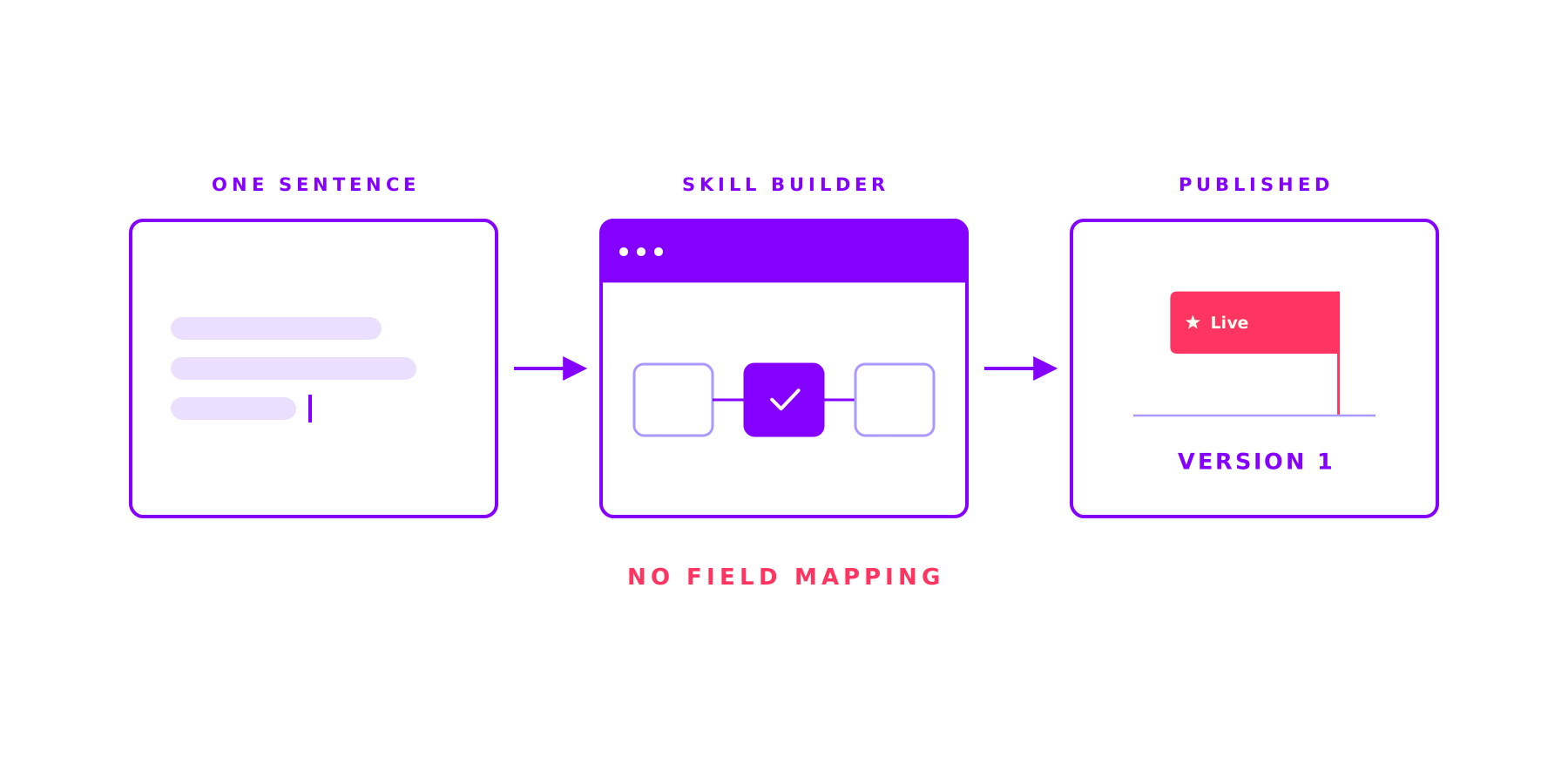
The Skill Builder in the ORAI Agent: complex work, the same right way every time
Ask an AI the same thing twice and get two different answers: that is where AI stalls in most companies. A Skill fixes the steps, the tools and the approvals up front and lets the AI work only where it is strong. And you build one in a single sitting.
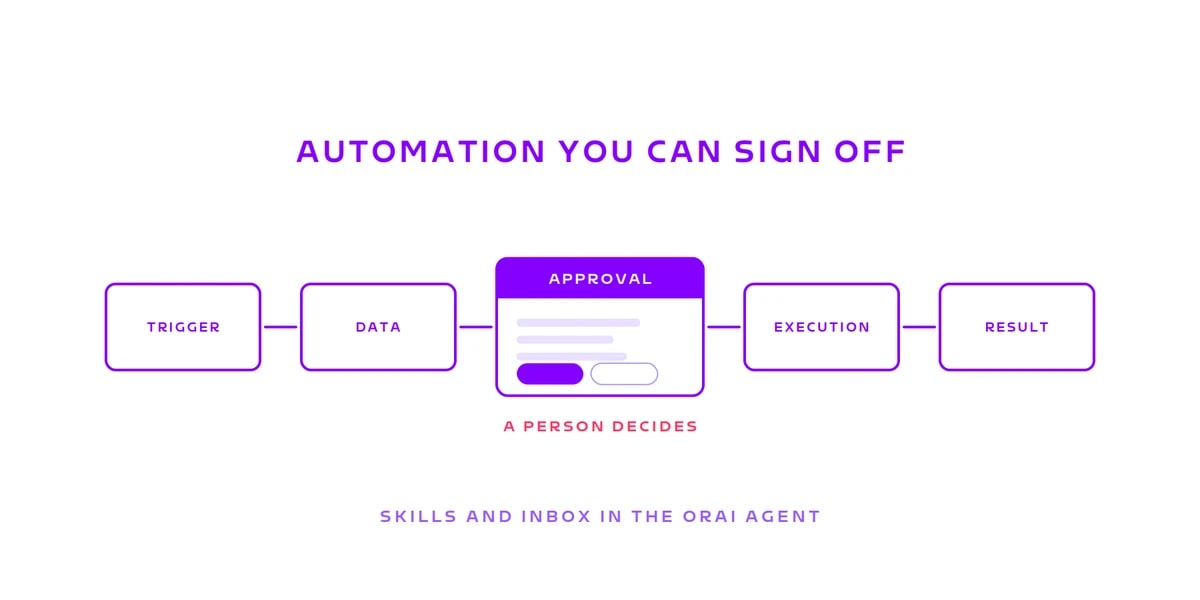
Automation you can sign off: Skills and the Inbox in the ORAI Agent
Reading: happily. Analysing: happily. Writing: not unsupervised, please. A Skill fixes the sequence before the first run starts, the Inbox stops it where someone has to answer for it. Why that combination carries the business case.
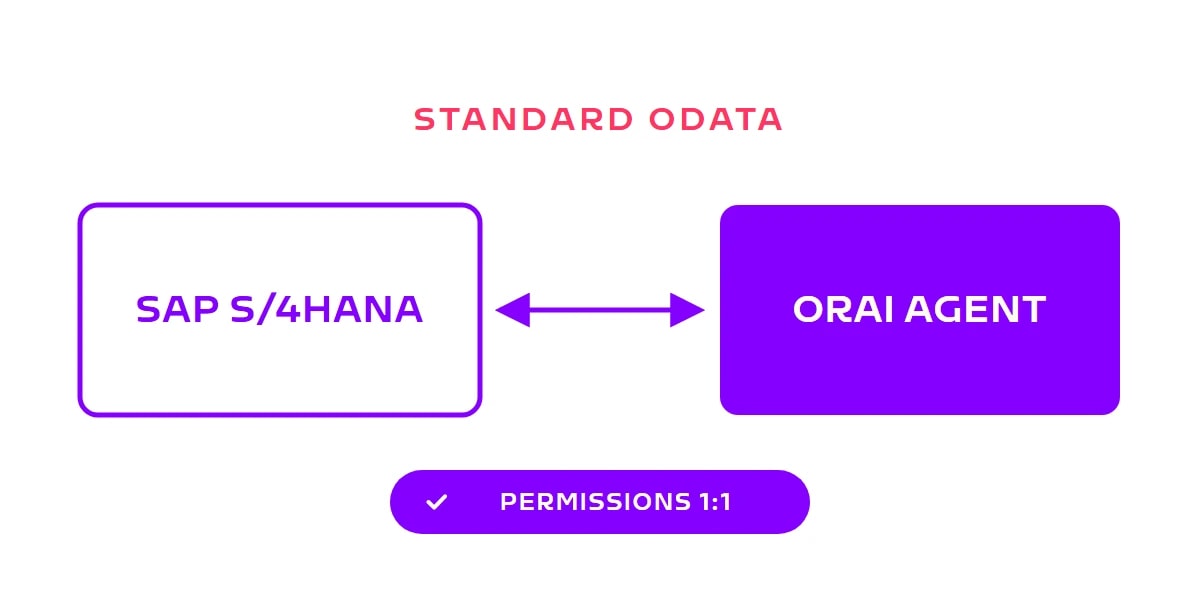
How We Connect to Your SAP System: Standard OData with Real User Permissions
No custom ABAP, no proprietary adapters: ORAI Agent uses the standard OData interfaces SAP ships and applies your existing SAP permissions 1:1. How the connection works, what it requires, and why every query stays traceable.